

Getting IMU and Sensor Data in ROS
The ZED ROS Wrapper packages are no longer maintained because ROS 1 reached end-of-life (EOL) on 2025-05-31 with the final Noetic release.
We recommend upgrading to ROS 2 to take advantage of the latest ZED SDK features for robotics applications.
In this tutorial, you will learn how to display ZED cameras’ sensor data using PlotJuggler and subscribe to the sensors’ data streams.
Sensor Data visualization with PlotJuggler
In this tutorial, you will learn in detail how to configure the PlotJuggler tool to display data values in multiple dynamic live plots.
The zed_sensors_sub_tutorial package of the zed-ros-examples repository provides three launch files:
plot_sensors_zedm.launch: launches the ZED node preconfigured for the ZED Mini and PlotJuggler preconfigured to show ZED Mini sensor dataplot_sensors_zed2.launch: launches the ZED node preconfigured for the ZED 2 and PlotJuggler preconfigured to show ZED 2 sensor dataplot_sensors_zed2i.launch: launches the ZED node preconfigured for the ZED 2i and PlotJuggler preconfigured to show ZED 2i sensor data
ZED Mini
Start the ZED Mini sensor data plotting with the command:
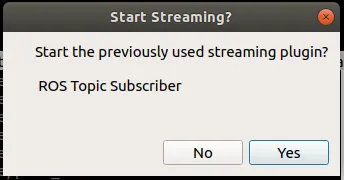
PlotJuggler will start by prompting about the “ROS Topic Subscriber”; click OK to start subscribing to the sensor topics.
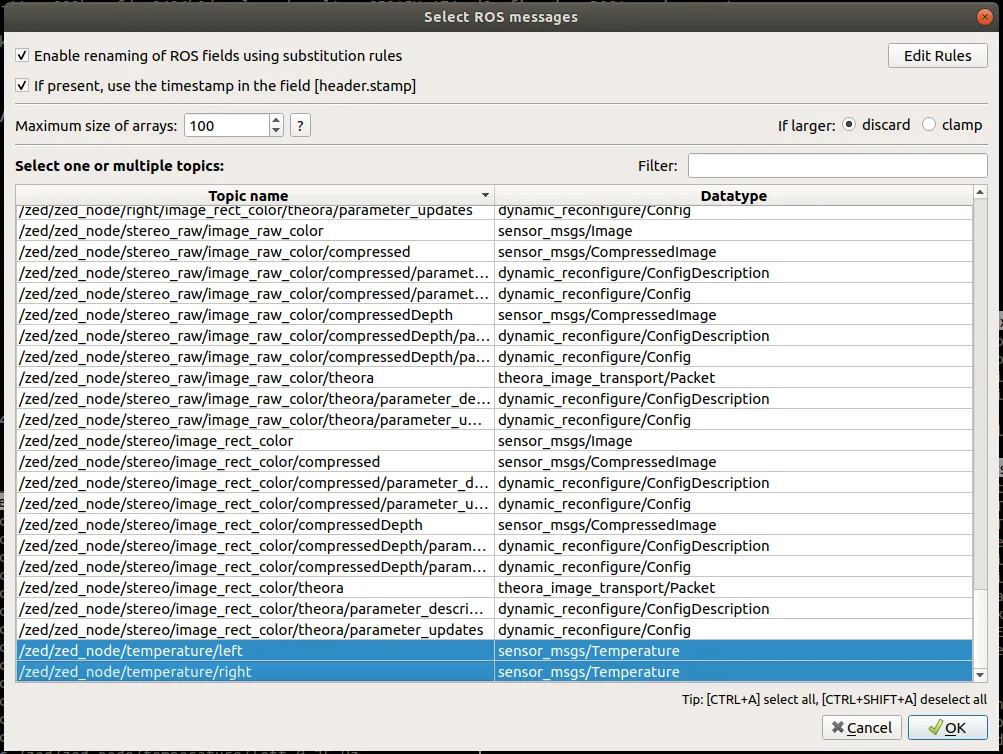
The next window will show all the available topics. Press OK to choose the pre-selected ones:
Finally, PlotJuggler will start showing the sensor data published by the ZED node:
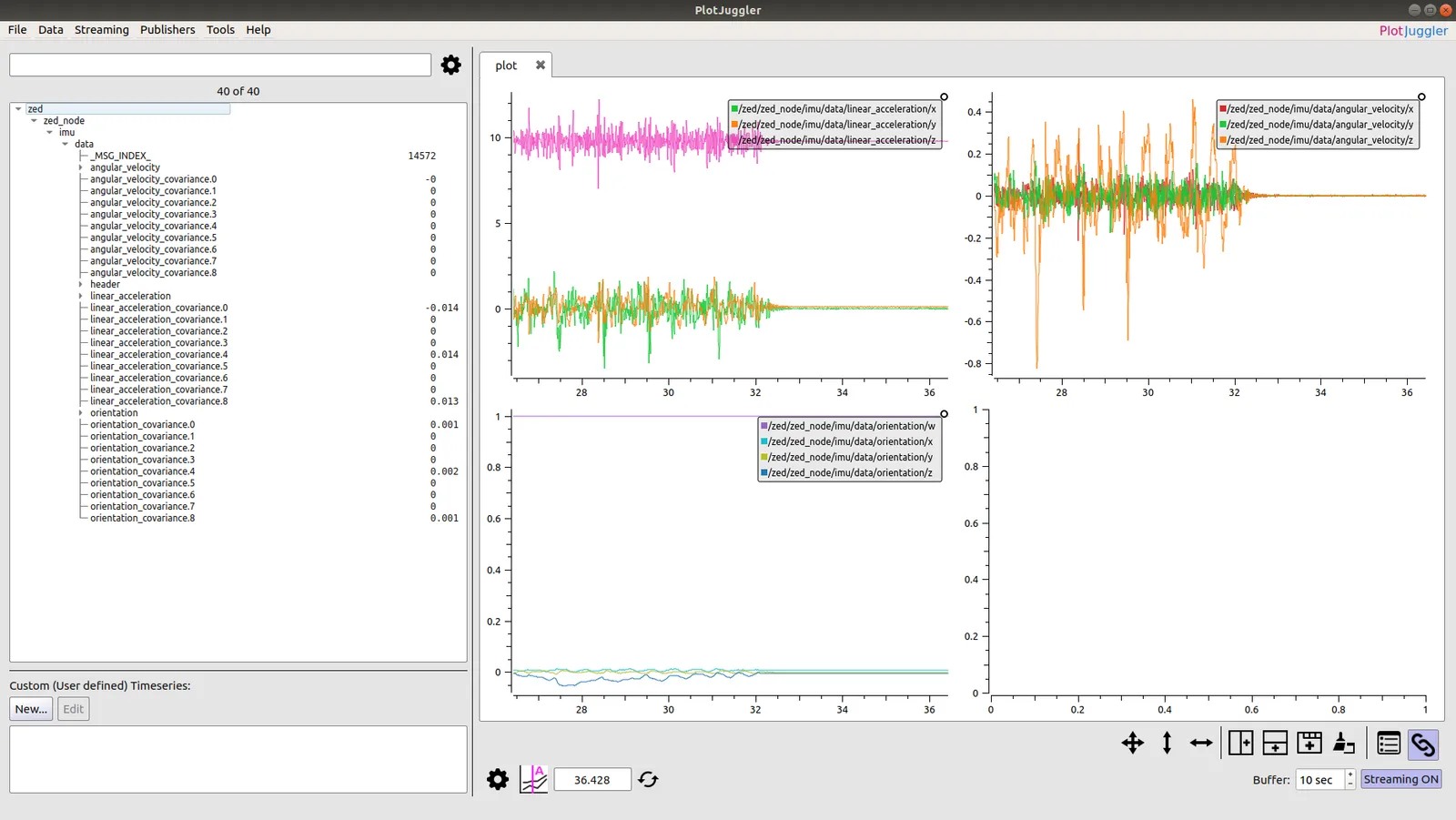
On the left, you can find the list of all the available subscribed topics, on the right the live plots:
- accelerometer data on the top right
- gyroscope data on the top left
- orientation in quaternion form on the bottom left
ZED 2 / ZED 2i
Start the ZED 2 sensor data plotting with the command:
Start the ZED 2i sensor data plotting with the command:
PlotJuggler will start by prompting about the “ROS Topic Subscriber”; click OK to start subscribing to the sensor topics.
The next window will show all the available topics. Press OK to choose the pre-selected ones:
Finally, PlotJuggler will start showing the sensor data published by the ZED node:
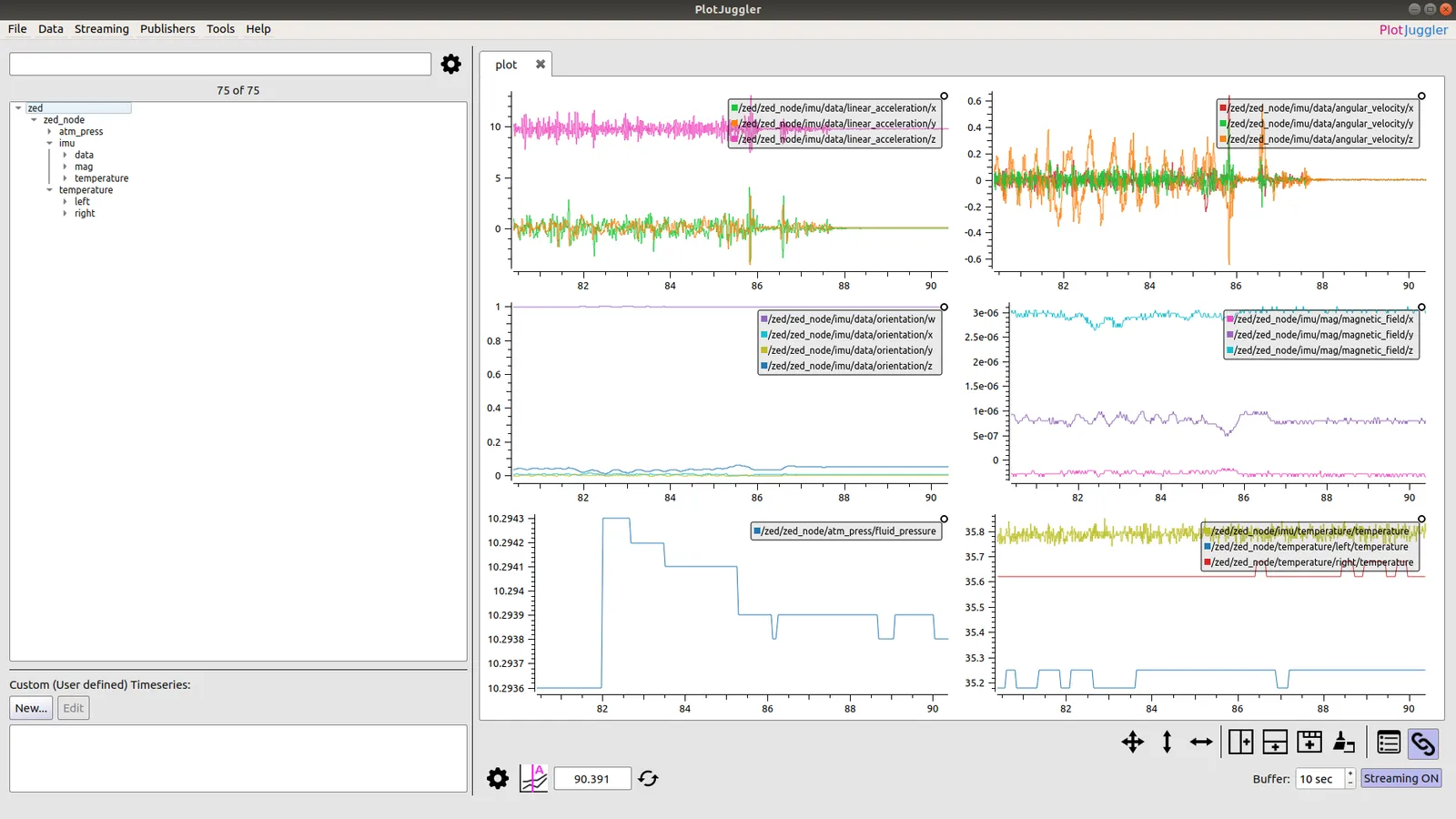
On the left, you can find the list of all the available subscribed topics, on the right the live plots:
- accelerometer data on the top right
- gyroscope data on the top left
- orientation in quaternion form on the middle left
- magnetometer data on the middle right
- barometer data on the bottom left
- temperature data on the bottom right
Sensor Data subscribing in C++
In this tutorial, you will learn how to write a simple C++ node that subscribes to messages of type
sensor_msgs/Imu, sensor_msgs/Temperature, sensor_msgs/MagneticField and sensor_msgs/FluidPressure.
This lets you retrieve the data from all the sensors available in the ZED 2 and ZED 2i cameras.
The tutorial is also valid for the ZED Mini, ZED X and ZED X Mini cameras, but only the IMU data (and the IMU temperature for the ZED X and ZED X Mini) will be available.
Introduction
Use this command to connect the ZED 2 camera to the ROS network:
or this command if you are using a ZED 2i:
The ZED node will start to publish sensor data in the network only if there is another node that subscribes to the corresponding topic.
The code below subscribes to topics in the /zed/zed_node namespace used by zed.launch. With zed2.launch or zed2i.launch, the namespace is /zed2/zed_node or /zed2i/zed_node: change the topic names in the code or remap them when running the node.
Running the tutorial
If you properly followed the ROS Installation Guide, the executable of this tutorial has been compiled and you can run the subscriber node using this command:
If the ZED node is running, and a ZED 2 or a ZED 2i is connected or you have loaded an SVO file, you will receive the following stream of messages confirming that you have correctly subscribed to the ZED sensor topics (with a ZED Mini you will receive only the IMU data):
The code
The source code of the subscriber node zed_sensors_sub_tutorial.cpp:
The code explained
The following is a brief explanation of the source code above:
This is a list of callback functions that handle the different types of messages carrying sensor data.
Each callback has a boost::shared_ptr to the received message as a parameter, this means you don’t have to worry about memory management.
The code of each callback is very simple and demonstrates how to access the fields of the corresponding message, printing the sensor data information to the screen.
The main function is very standard and is explained in detail in the “Talker/Listener” ROS tutorial.
The most important lesson of the above code is how the subscribers are defined:
A ros::Subscriber is a ROS object that listens on the network and waits for its own topic message to be available.
When a message is received, it executes the callback assigned to it.
We declared a subscriber for each of the callback functions that we defined above, taking care to use the correct topic name, e.g. /zed/zed_node/imu/data for IMU data.
Conclusion
The full source code of this tutorial is available on GitHub in the zed_sensors_sub_tutorial sub-package.
Along with the node source code are the package.xml and CMakeLists.txt files that complete the tutorial package.
The code on this page differs from the GitHub version: it subscribes to the IMU temperature on the temperature/imu topic published by the ZED node, prints the angular velocity in rad/s, and converts the magnetic field from Tesla to µT with a 1e6 factor.