

Cameras
Not sure which camera fits your application? See Choosing Your Hardware for the camera, lens and host recommended for common applications, or follow the steps in Choose your camera.
ZED Camera series
-
ZED 2i ZED Mini 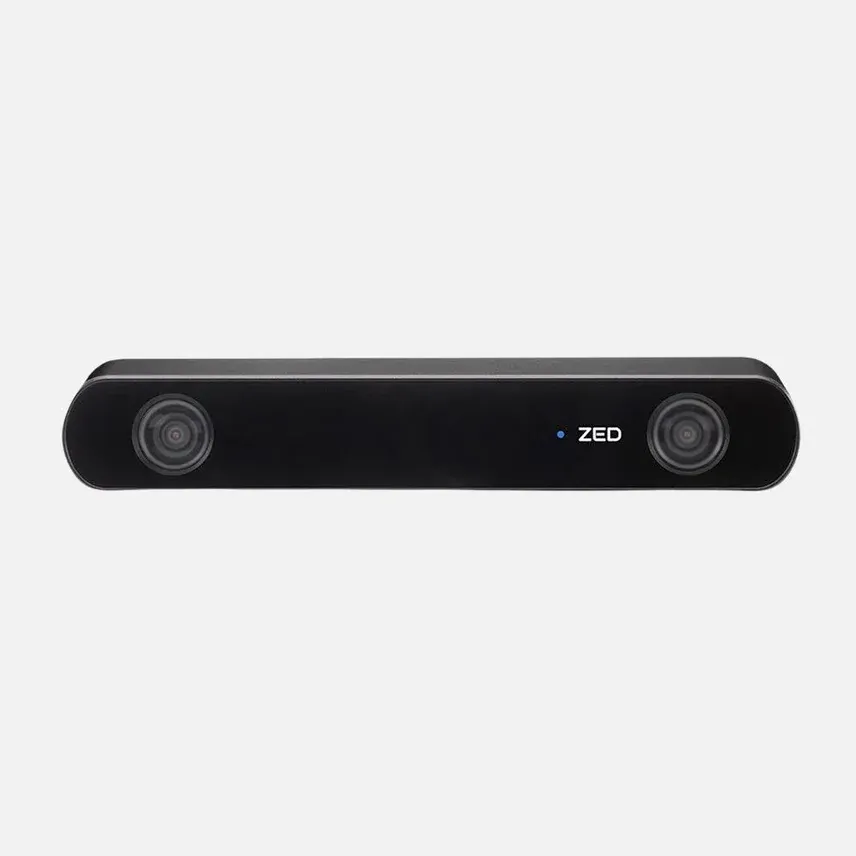
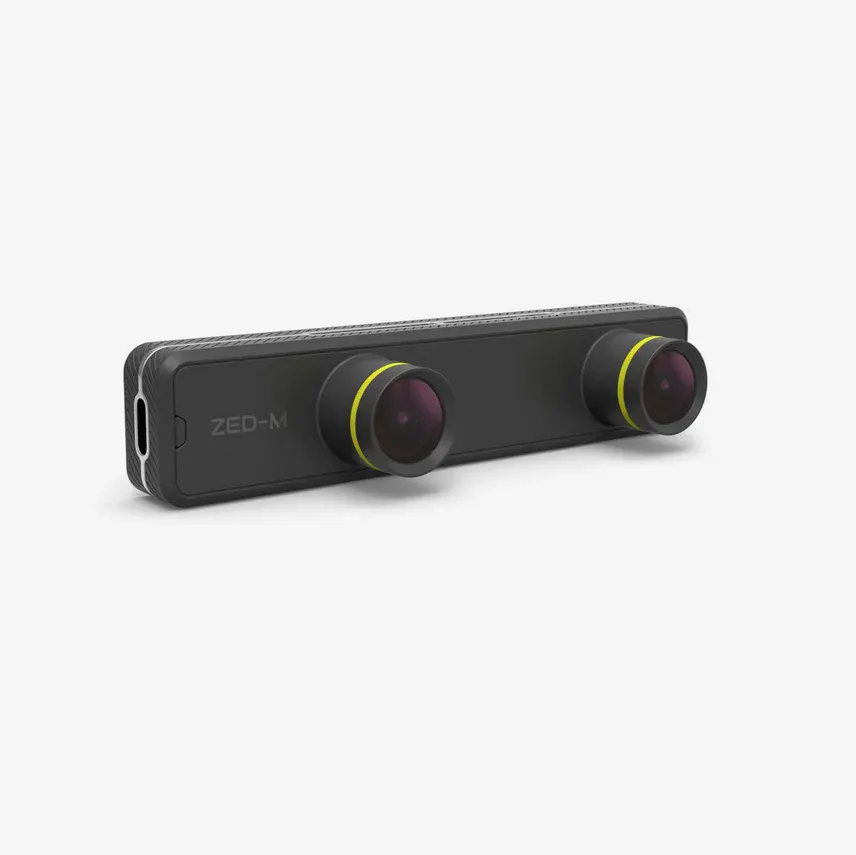
-
ZED X ZED X Mini ZED X Nano 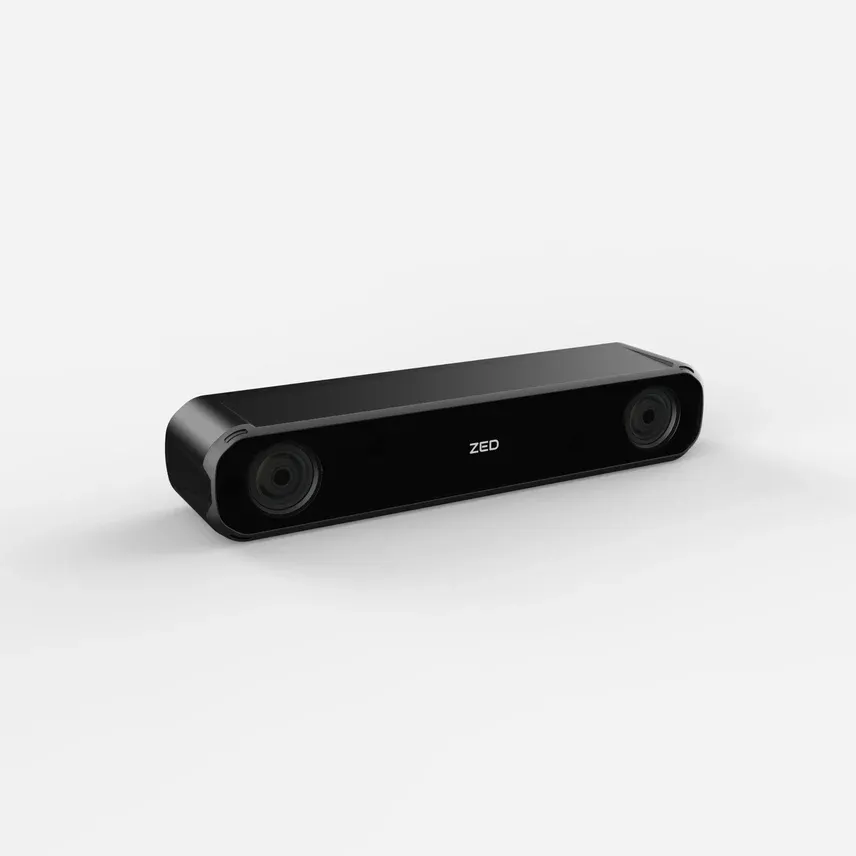
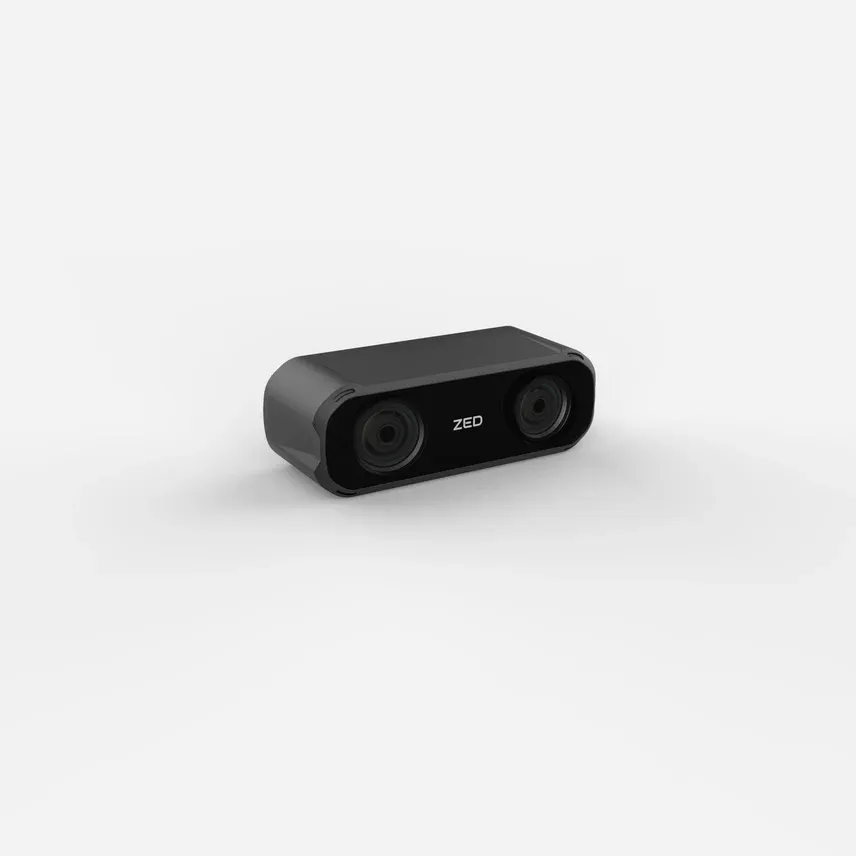
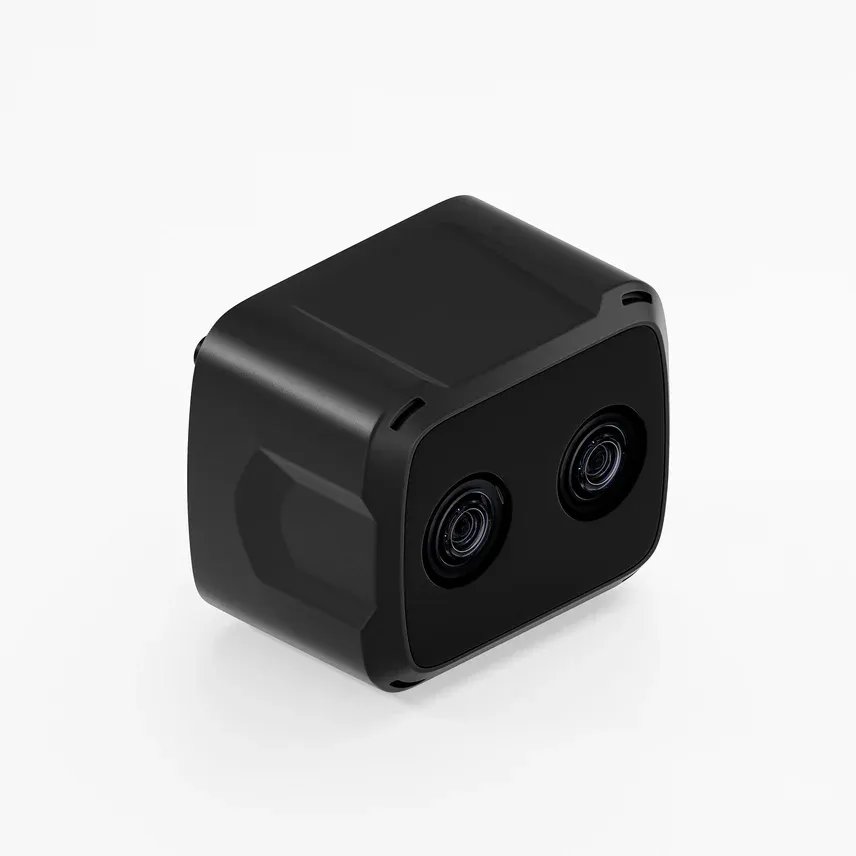
-
ZED X One GS ZED X One 4K ZED X One S 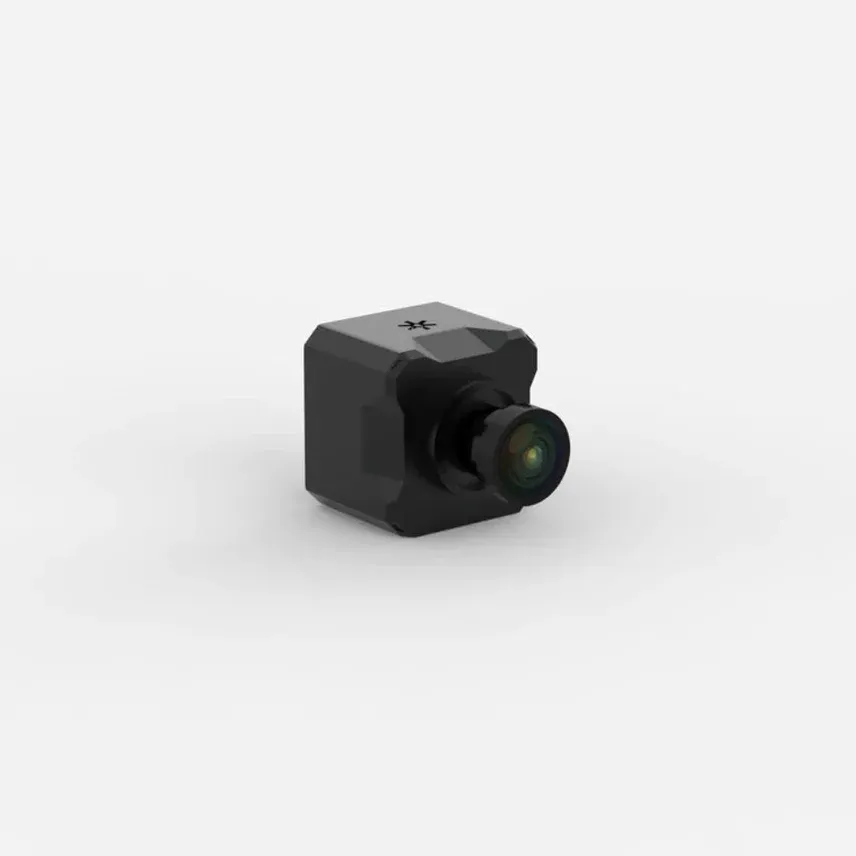
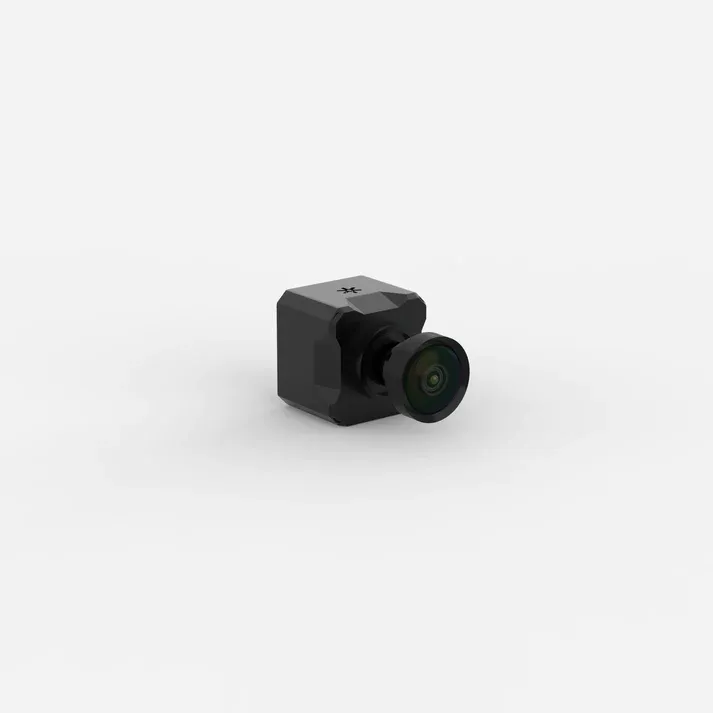
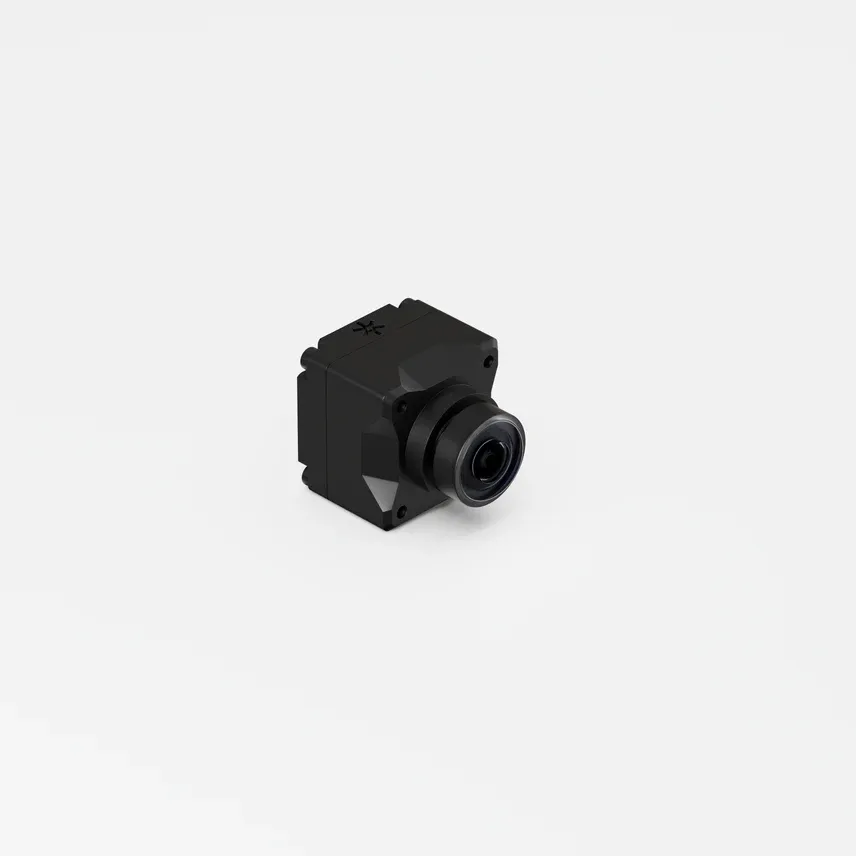
-
ZED X One Core 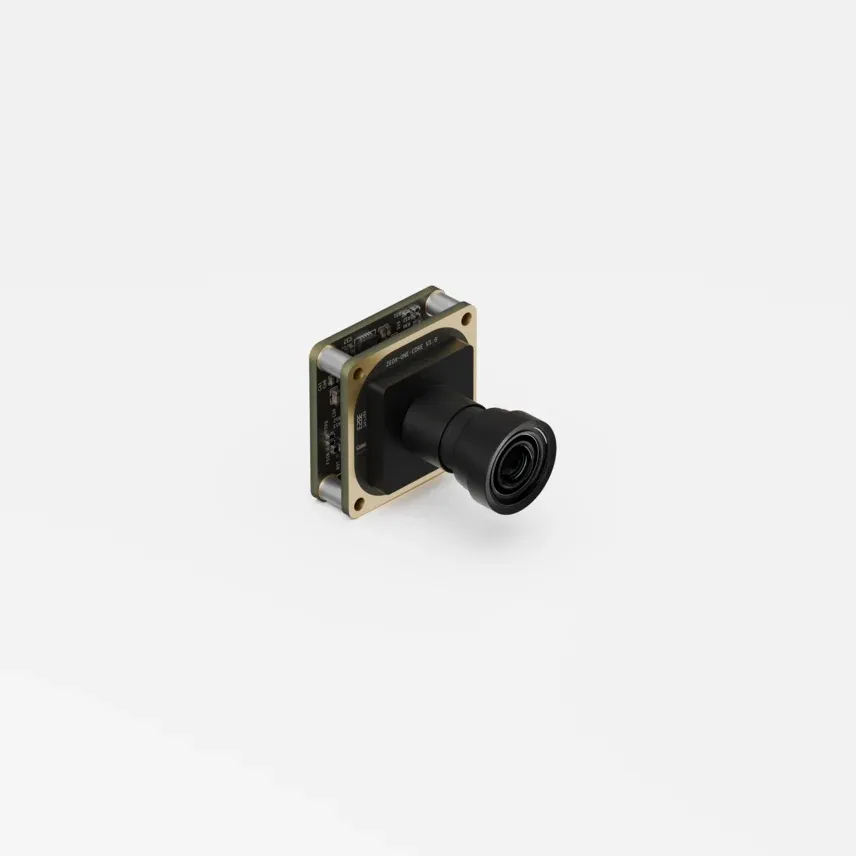
Choose your camera
The following steps help you choose the ZED camera, lens, sensor and options that best fit your application. Work through them in order: each choice narrows the options of the next one.
| If you need… | Consider | |
|---|---|---|
| To prototype on a desktop or laptop PC | ZED 2i or ZED Mini (USB 3) |
| Depth in production on an NVIDIA® Jetson™, with hardware synchronization | ZED X, ZED X Mini or ZED X Nano (GMSL2) |
| Depth very close to the camera, down to a few centimeters | ZED X Nano |
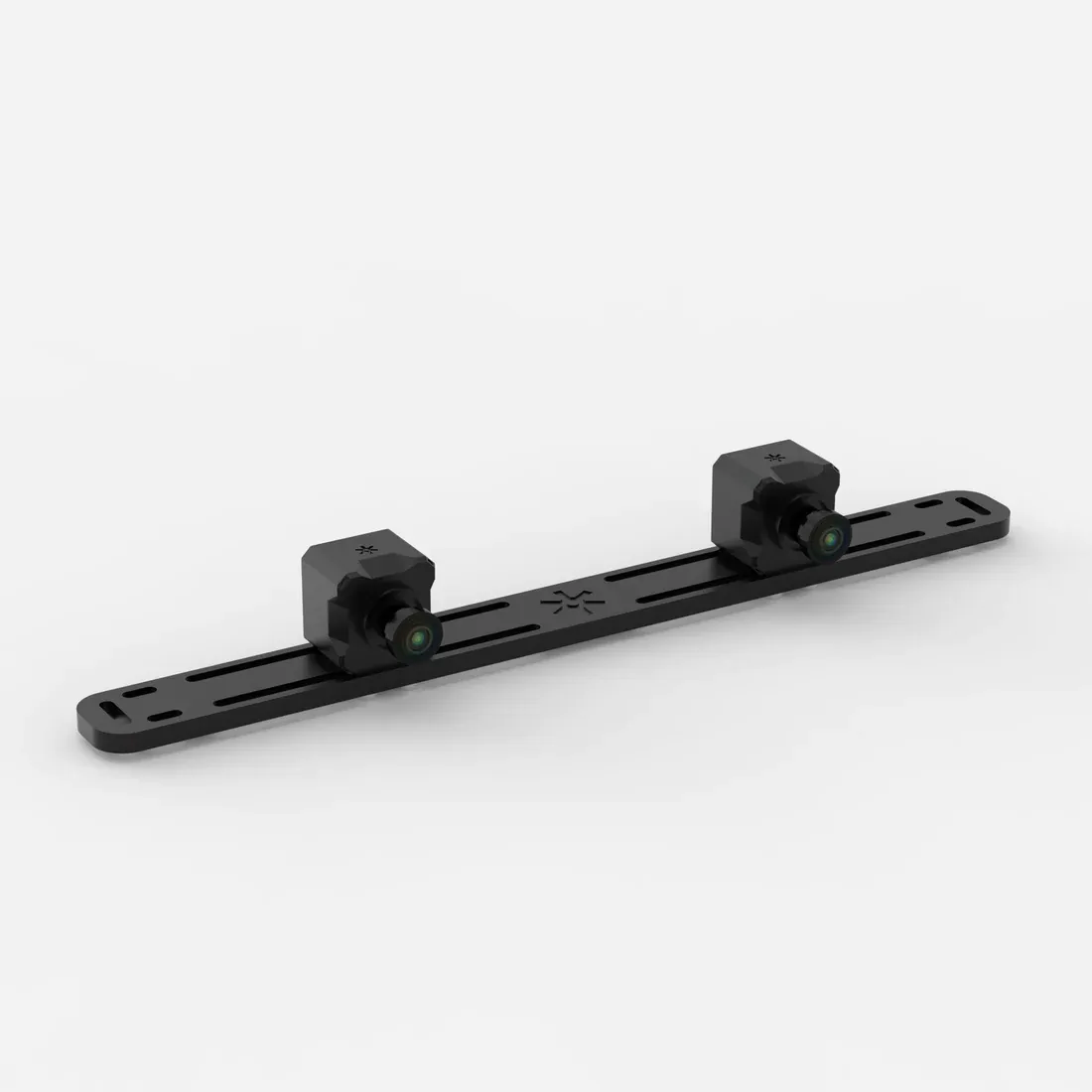 | A custom stereo baseline, or a fisheye stereo pair | Two ZED X One (virtual stereo) |
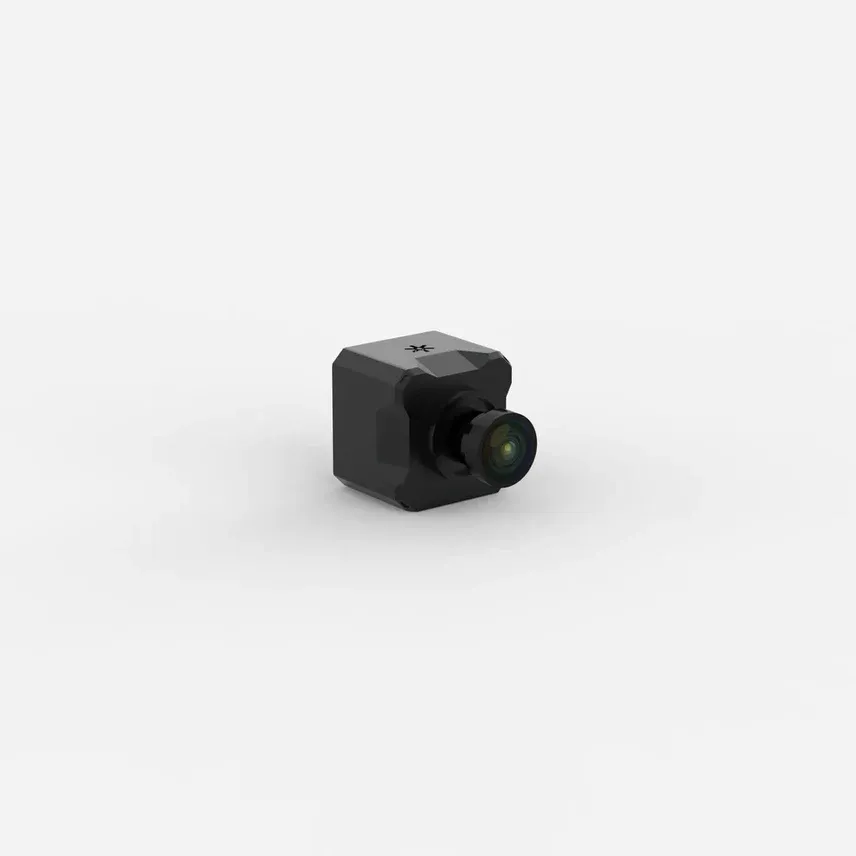 | Images and inertial data only, without depth | One ZED X One (monocular) |
| Maximum image resolution (4K) | ZED X One 4K |
| A bare camera module to integrate in your own enclosure | ZED X One Core (MIPI CSI-2) |
Step 1: Choose the interface
The interface determines which host computer you can use and how the cameras behave in a multi-camera system.
See the Recommended Specifications for ZED SDK page for the GPU and Jetson models supported by the ZED SDK.
Choose USB 3 to get started quickly: the camera plugs into any compatible PC, which makes it well suited for research, prototyping and fixed installations.
Choose GMSL2 for robots and machines in production:
- Hardware synchronization: all the cameras connected to the same GMSL2 deserializer capture their frames within 15 µs of each other, with no wiring. USB 3 cameras only support software synchronization based on timestamps.
- Global shutter sensors on all the GMSL2 stereo cameras (see Step 5).
- Robust connection: a single coaxial cable with a FAKRA connector carries video, control and power, with low latency and good immunity to electromagnetic interference.
GMSL2 cameras only work with NVIDIA® Jetson™ hosts. To develop on a desktop PC, you can stream a GMSL2 camera from the Jetson to the PC with the ZED SDK, as described in Development on PC.
Step 2: Stereo or monocular
The ZED SDK computes depth from a pair of synchronized images. Depth sensing, positional tracking, spatial mapping, 3D object detection and body tracking therefore all require a stereo setup:
- A stereo camera: ZED 2i, ZED Mini, ZED X, ZED X Mini or ZED X Nano. The two sensors are factory calibrated and ready to use.
- A virtual stereo camera: two ZED X One (or two ZED X One Core) cameras rigidly mounted side by side. The ZED SDK then uses the pair like a stereo camera.
A single ZED X One works as a monocular camera: the ZED SDK sl::CameraOne class provides raw and rectified images and inertial data, but no depth. See Monocular Vision.
Stereo camera or virtual stereo?
Choose a stereo camera unless its baselines and lenses do not fit your application. For a virtual stereo rig, the stereo rig setup guide explains how to compute the depth range of a given baseline and lens.
Step 3: Choose the stereo camera by depth range
The baseline, the distance between the two sensors, determines the depth range: a short baseline sees accurately at close range, a long baseline sees farther but has a larger minimum depth. Choose the camera whose ideal range covers the distances at which your application needs reliable depth.
Among the GMSL2 stereo cameras:
- ZED X Nano: very close range, a few centimeters to 1.5 m. It does not support body tracking.
- ZED X Mini: short to medium range, for example robotic arms, picking, and indoor mobile robots.
- ZED X: medium to long range, for example mobile robots and vehicles.
The depth accuracy of each model is listed in the specification pages.
Step 4: Choose the lens
For example, with the ZED X, the narrow lens extends the ideal range from 12 m to 20 m and improves the accuracy at 2 m from < 0.8% to < 0.4%, but raises the minimum depth from 0.3 m to 1.0 m.
The ZED Mini (102° x 57°) and the ZED X Nano (92° x 65°) have a single, fixed lens.
The ZED X One GS, ZED X One 4K, ZED X One S and ZED X One Core are also sold without a lens, for integrators who mount their own optics. In that case, you focus and calibrate the camera yourself, and you must provide an IR cut filter for color imaging, because the filter is part of the lens assembly.
Step 5: Choose the sensor: global or rolling shutter
A global shutter sensor exposes all its pixels at the same instant. A rolling shutter sensor exposes the image line by line, so fast-moving objects, or a fast-moving camera, appear skewed or distorted.
On robots and vehicles, prefer global shutter. Choose the ZED X One 4K when image detail matters more than motion, for example for inspection or high-resolution data capture, and keep in mind that it runs at 15 fps in 4K.
Step 6: ZED X One S or ZED X One GS
The ZED X One S and ZED X One GS share the same global shutter sensor and image quality. They differ in size, lenses and ruggedness:
The Narrow and Fisheye lens models of the ZED X One S are IP69K rated when shipped from Q4 2026; earlier units are not IP rated. The Wide lens model has always been IP69K rated.
Choose the ZED X One S for compact integrations, short stereo baselines (down to 25 mm), a fisheye lens, or harsh environments that require an IP69K rating.
Step 7: Choose the polarizer option
The ZED 2i, ZED X and ZED X Mini can be ordered with a built-in polarizing filter, which cannot be added or removed later. The ZED Mini, ZED X Nano and ZED X One cameras are not available with a polarizer.
- With polarizer: mainly outdoor operation in daylight, especially with reflective surfaces such as water, glass, wet roads or vehicles.
- No polarizer: indoor, low-light or night operation, where collecting as much light as possible matters more. For mixed indoor and outdoor operation, prefer no polarizer if indoor performance matters.
The specification pages explain the trade-offs in detail:
To find out whether a camera you already own has a polarizer, see How to check if your camera has a polarizer.
Step 8: Check the environment
The Narrow and Fisheye lens models of the ZED X One S are IP69K rated when shipped from Q4 2026; earlier units are not IP rated. The Wide lens model has always been IP69K rated.
All ZED cameras include an infrared cut filter: they do not see near-infrared light, so they need visible lighting to operate in the dark, and they are not disturbed by nearby LiDARs or time-of-flight sensors.
ZED X One Core
The ZED X One Core is the barebone MIPI CSI-2 version of the ZED X One: a 27 x 27 mm module of 14 g to 19 g, without enclosure, with the same global shutter sensor as the ZED X One GS and ZED X One S. It is intended for integrators who embed the camera module in their own product, and supports the same fisheye, wide and narrow lenses as the ZED X One S.
The ZED X One Core connects to a ZED Link MIPI Quad capture card, which hardware-synchronizes up to four cameras on a Jetson AGX Orin™ Developer Kit, or two cameras on a Jetson AGX Thor™ Developer Kit with the Holoscan Sensor Bridge (beta).
Next steps
- Choose the host computer for your GMSL2 cameras: ZED Box series.
- Plan a system with several cameras: Multi-Camera.
- If you have questions about your use case, contact support@stereolabs.com.