

Remote access via Serial Console
The ZED Box Mini and Mini Carrier Board provide a Serial Console interface for low-level access to the system, via the Micro USB2.0 Type-B port. This is useful when no display is connected to the HDMI port.
The Serial Console is available only when the device is:
- Booting up
- Booted into Normal Mode (not Recovery Mode)
Connecting to the Serial Console
-
Connect a Micro USB cable from your host computer to the Micro USB2.0 - OTG port of the ZED Box Mini or Mini Carrier Board.
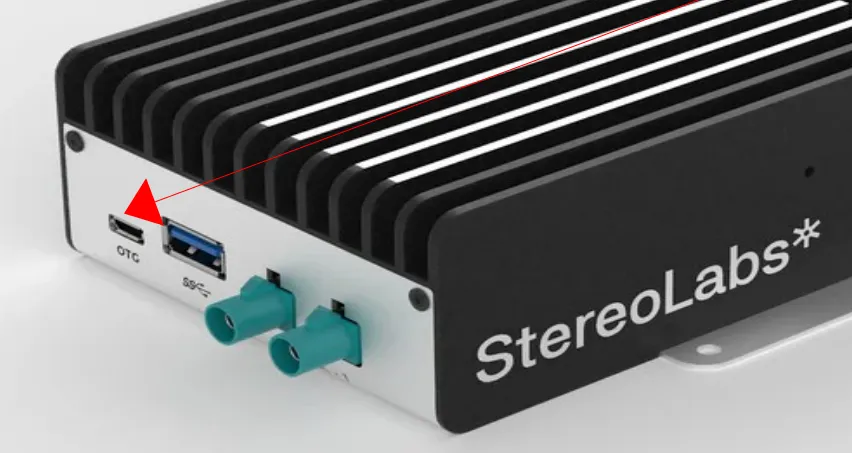
-
Power on the ZED Box Mini or Mini Carrier Board.
-
On the host computer, open a terminal (
Ctrl+Alt+T) and installgtktermif not already installed: -
Launch
gtktermfrom the terminal with the appropriate device path (usually/dev/ttyACM0):You can use other terminal emulators such as
minicomorscreenif you prefer. -
If the cable is connected before the device is powered on, the Serial Terminal will display all the boot messages as the device starts up. When the boot is complete, you will see a login prompt.
If the cable is connected when the boot procedure is completed, the terminal will not display any boot messages; you may need to press
Entera couple of times to see the login prompt.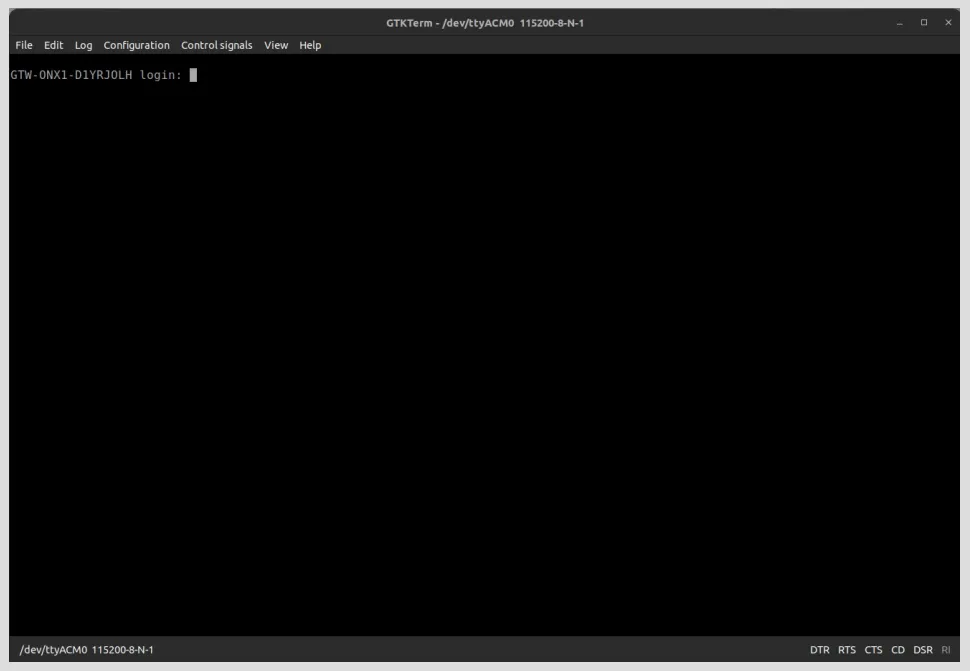
-
Log in with your credentials (default credentials:
user/admin)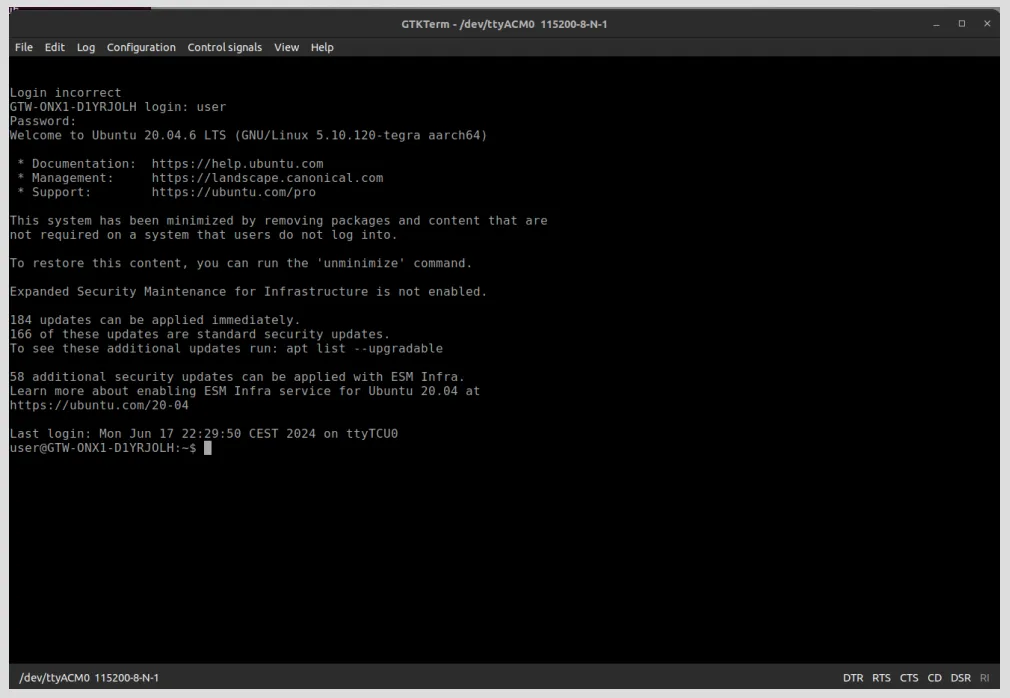
-
You can now execute commands on the device via the Serial Console in the same way as you would via SSH.
Debug UART on the GPIO connector
The debug UART of the Jetson™ module is also available on pins 9 and 10 of the GPIO connector: UART2 on the Rev. 1 boards, UART1 on the Rev. 2 boards. Use it to read the early boot logs, for example to diagnose a device that does not complete its boot. See Board revisions to identify your board.
You need a USB-to-UART adapter with 3.3 V logic levels.
Do not use a 5 V or RS-232 adapter: signals that do not conform to the 3.3 V levels may permanently damage the device.
-
Power off the ZED Box Mini or Mini Carrier Board.
-
Connect the adapter to the GPIO connector:
-
Connect the adapter to the host computer and open its serial port (usually
/dev/ttyUSB0) at 115200 baud, 8 data bits, no parity, 1 stop bit: -
Power on the ZED Box Mini or Mini Carrier Board: the terminal displays the boot messages, then the login prompt.