

Getting Started with Unreal Engine and ZED
Introduction
The ZED Plugin for Unreal allows developers to build AR/MR applications within Unreal Engine 5. It provides access to stereo video passthrough, depth sensing, positional tracking, spatial mapping and object detection features from the ZED SDK.
How to Get Started
Prerequisites
- Windows 10/11
- ZED SDK 5.6
- CUDA dependency
- Unreal Engine 5.4 to 5.8
- Visual Studio 2019 or later
Do not hesitate to consult the Unreal Engine documentation page to learn how to set up your Visual Studio installation.
The Object Detection and Body Tracking features are compatible with the ZED 2 and more recent cameras.
Installation
- Download or clone the ZED plugin for UE5.
- In your project root directory right click on the ZEDSamples.uproject file and select Generate Visual Studio project files in the context menu.
- Open Visual Studio and compile. Launch the project from the uproject file or Visual Studio.
If these options are not available, make sure your Visual Studio installation is correctly set up.
Using the plugin in your own project
The plugin is self-contained: its C++ modules, sample levels and assets all live under Plugins/Stereolabs. The ZED SDK and CUDA must still be installed on the machine.
- Copy the
Plugins/Stereolabsfolder of the repository into thePlugins/directory of your project. - Build and open your project. The plugin is enabled by default.
- Place a
BP_ZEDCameraactor (in Stereolabs Content -> ZED -> Blueprints) in your level and set the camera parameters on it. The actor transform defines the initial camera pose in the virtual world.
The plugin copies its recommended project settings into your Config/ folder only when the corresponding files do not exist yet. If your project already has them, merge the settings listed in Configuring your project.
Since plugin version 5.5, BP_ZEDCamera replaces BP_ZED_Initializer, and the sample assets moved from /Game/ZED to /Stereolabs/Samples. Projects created with an earlier version must place a BP_ZEDCamera in their levels and redirect their references to the sample assets.
How it works
The plugin uses our C wrapper to interface with the SDK. This allows the usage of all the SDK features mentioned above, with either a video feed from a ZED Camera (via USB or streaming) or by reading an SVO file.
Available sample levels
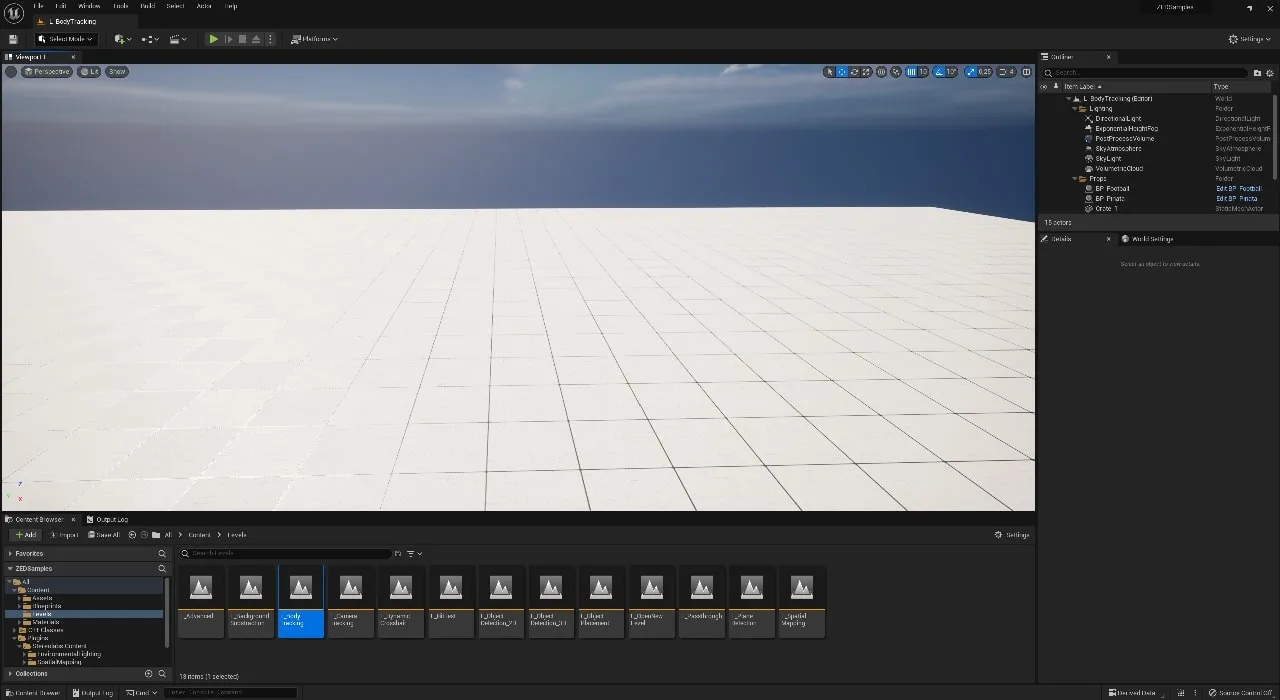
The sample levels live inside the plugin, under /Stereolabs/Samples/Levels. Enable Show Plugin Content in the Content Browser filters to see them.
Explore the different sample levels provided in the project, like Spatial Mapping, Object Detection or Body Tracking.
- L_BackgroundSubstraction: Background subtraction with plane occlusion or depth clamping.
- L_BodyTrackingSingle: Body tracking of a single person in a virtual scene, with the Unreal Mannequin as an avatar.
- L_BodyTrackingMulti: Body tracking of multiple persons in a virtual scene, with the Unreal Mannequin as an avatar.
- L_CameraTracking: Camera tracking demo in a virtual scene.
- L_DynamicCrosshairOnMouse: Depth dynamic crosshair hovering on the environment, without spatial mapping.
- L_NewHitTest: Depth-based hit test with ball stopping on the environment without spatial mapping.
- L_ObjectDetection_2D: Object detection (human body model) with 2D frames.
- L_ObjectDetection_3D: Object detection (human body model) with 3D boxes.
- L_OpenNewLevel: Procedure to change active level, ZED-wise.
- L_Passthrough: Simple AR passthrough vision showing a virtual object in a real scene, with depth occlusion.
- L_PlaneDetection: Showcase of the SDK plane detection feature.
- L_PointCloud: Point cloud mapping of the environment.
- L_SpatialMapping: Visualization of the spatial mapping of the environment, and potentially creation of a static mesh out of the mapping.