ZED Tools

Open in ClaudeOpen in ChatGPT

After installing the ZED SDK, you can taste the capabilities of your ZED camera using the ZED Tools. These applications offer a user-friendly interface to visualize and interact with data captured by your device.

The ZED Tools serve as demonstration applications to help you quickly explore and understand your camera’s capabilities. While they provide an accessible way to visualize and interact with data, they are not intended for production environments and do not expose the full range of features or advanced configuration options available in the corresponding ZED SDK modules.

The ZED Tools are available for both Windows and Linux platforms:

ToolDescription
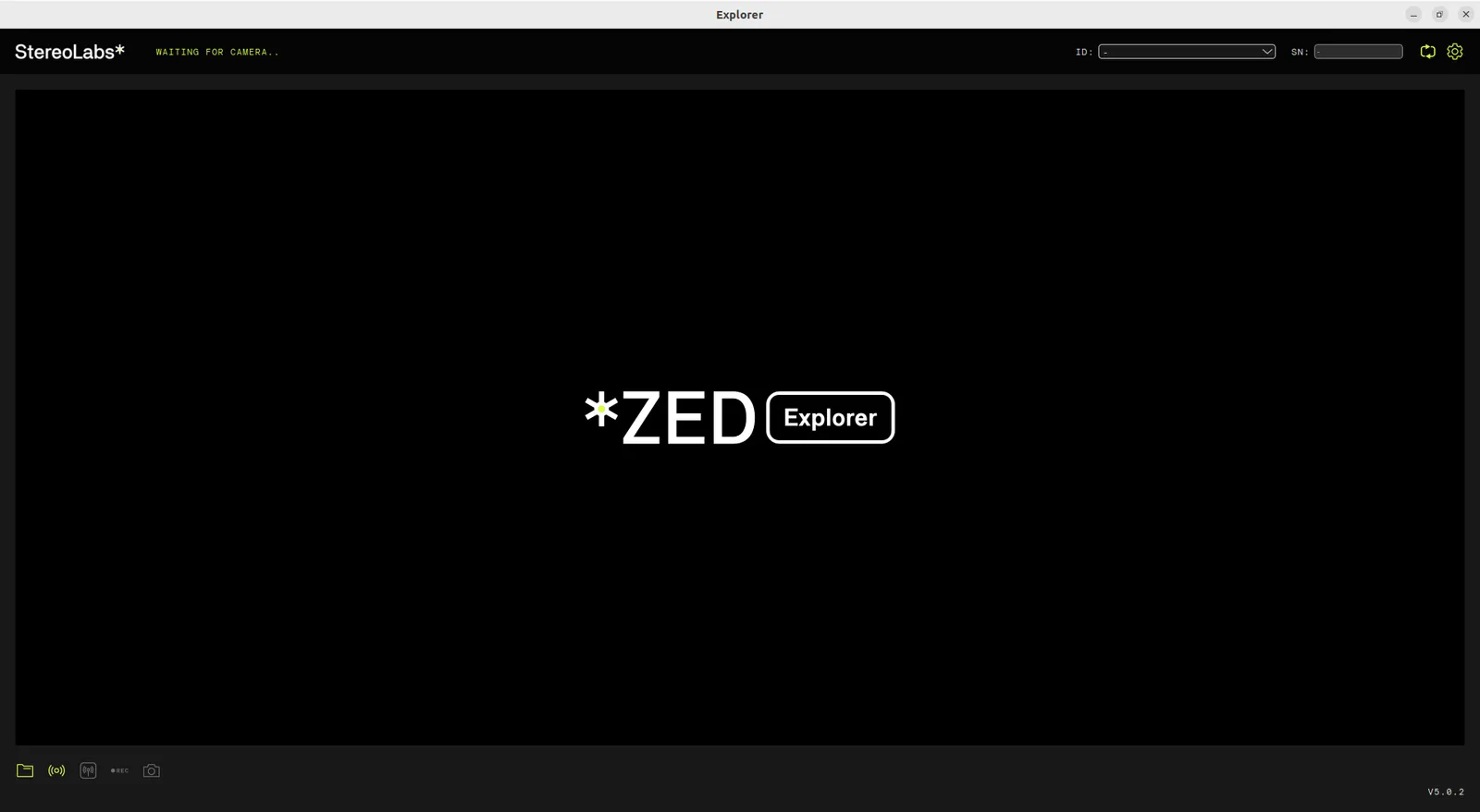
ZED ExplorerVisualize the camera’s raw video feed, test camera controls, record SVOs, and access RAW calibration parameters. Works with Stereo and Monocular cameras.
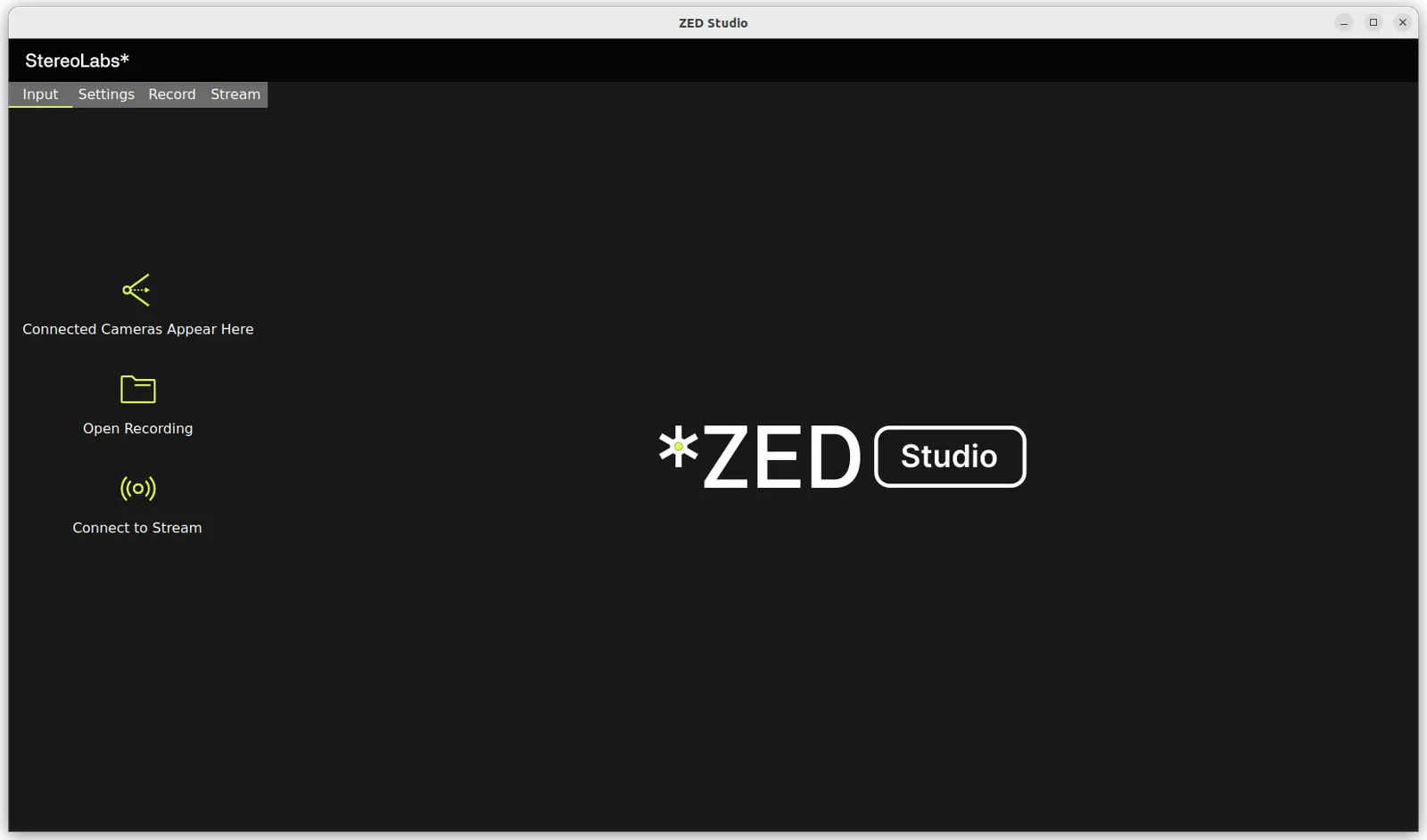
ZED StudioMulti-camera stream viewer with all ZED Explorer functionalities plus support for viewing and managing multiple ZED cameras.
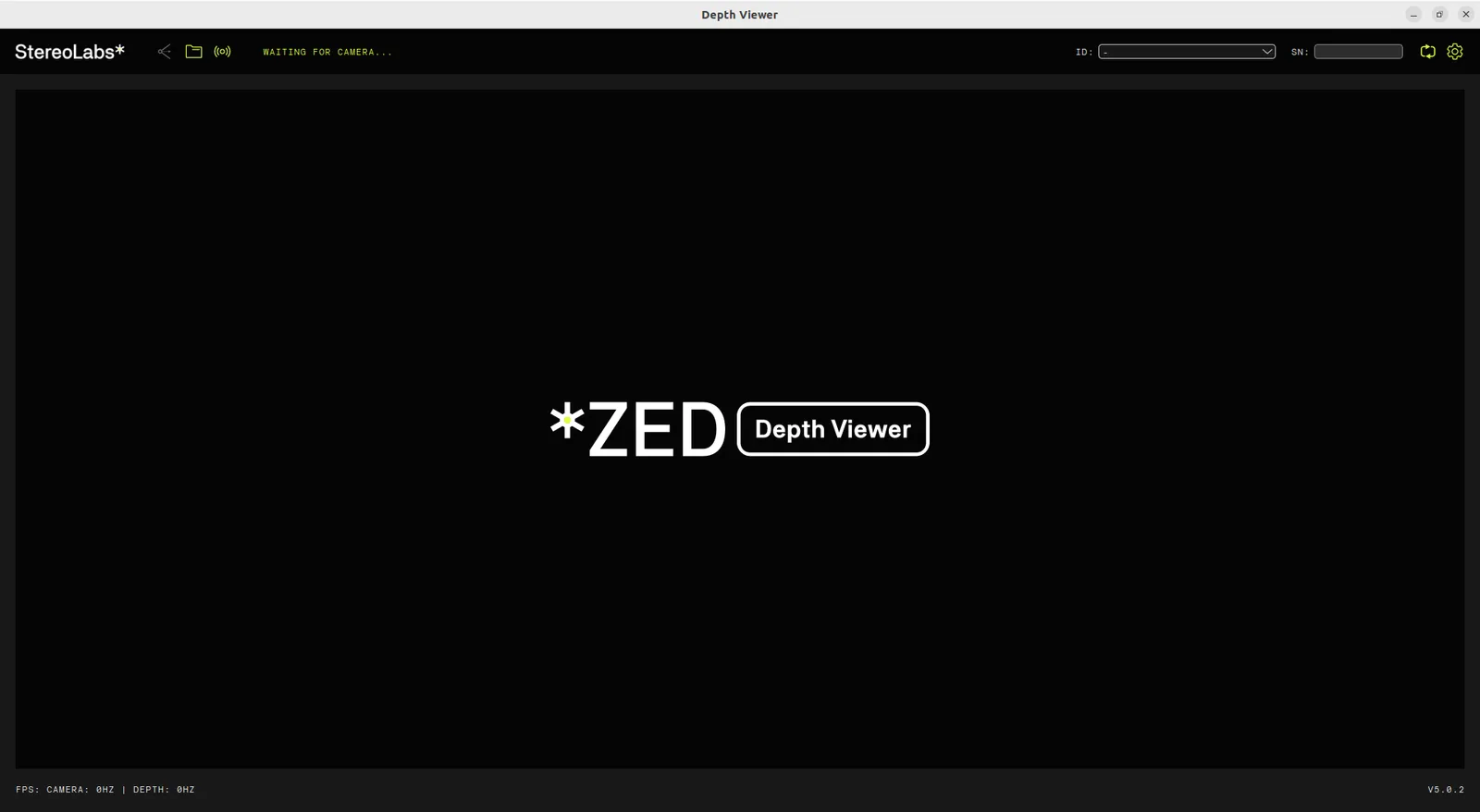
ZED Depth ViewerView the depth map and point cloud generated by the ZED Stereo camera.
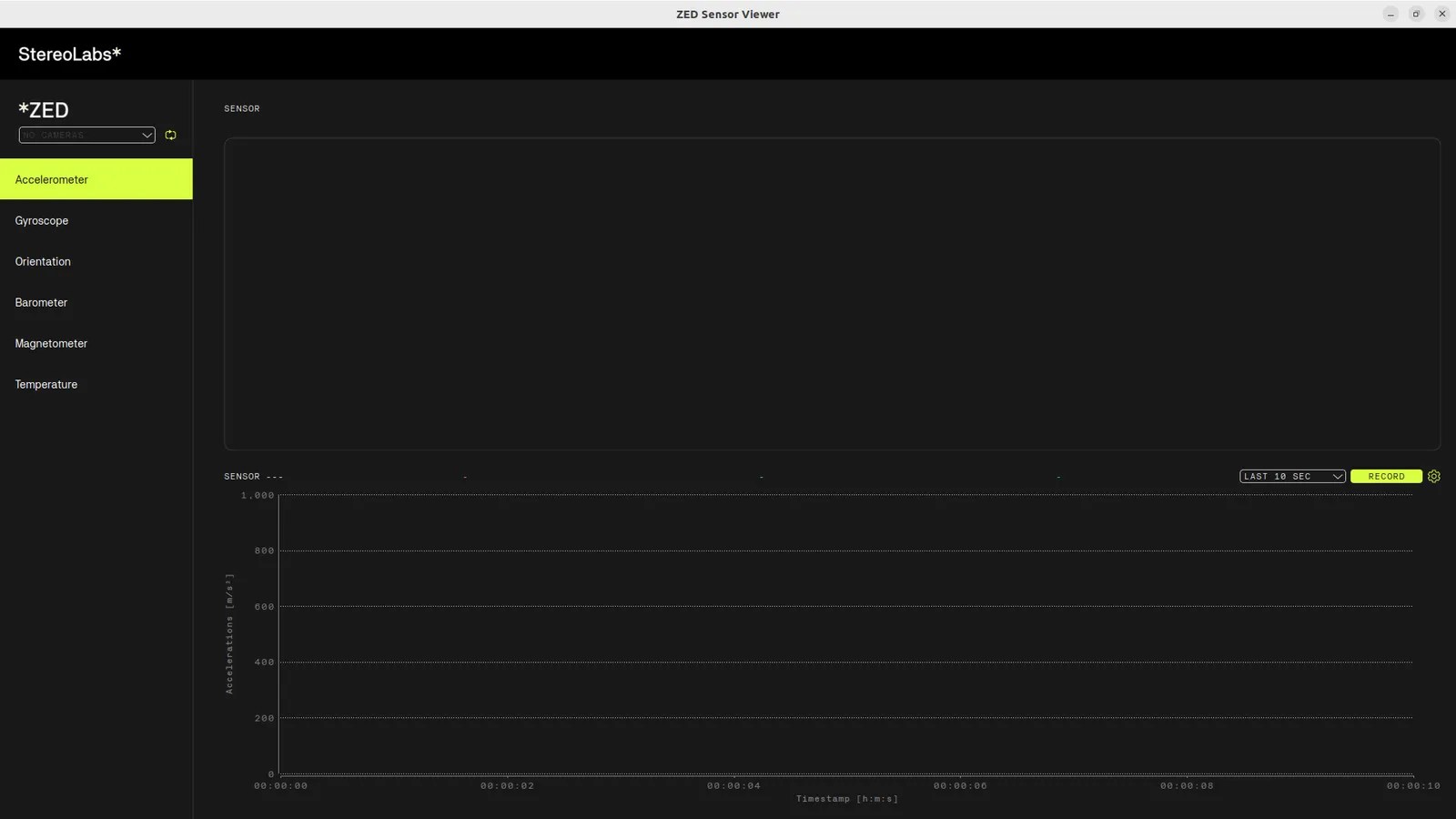
ZED Sensor ViewerMonitor IMU data and other sensor information. Includes Magnetometer calibration for ZED 2i.
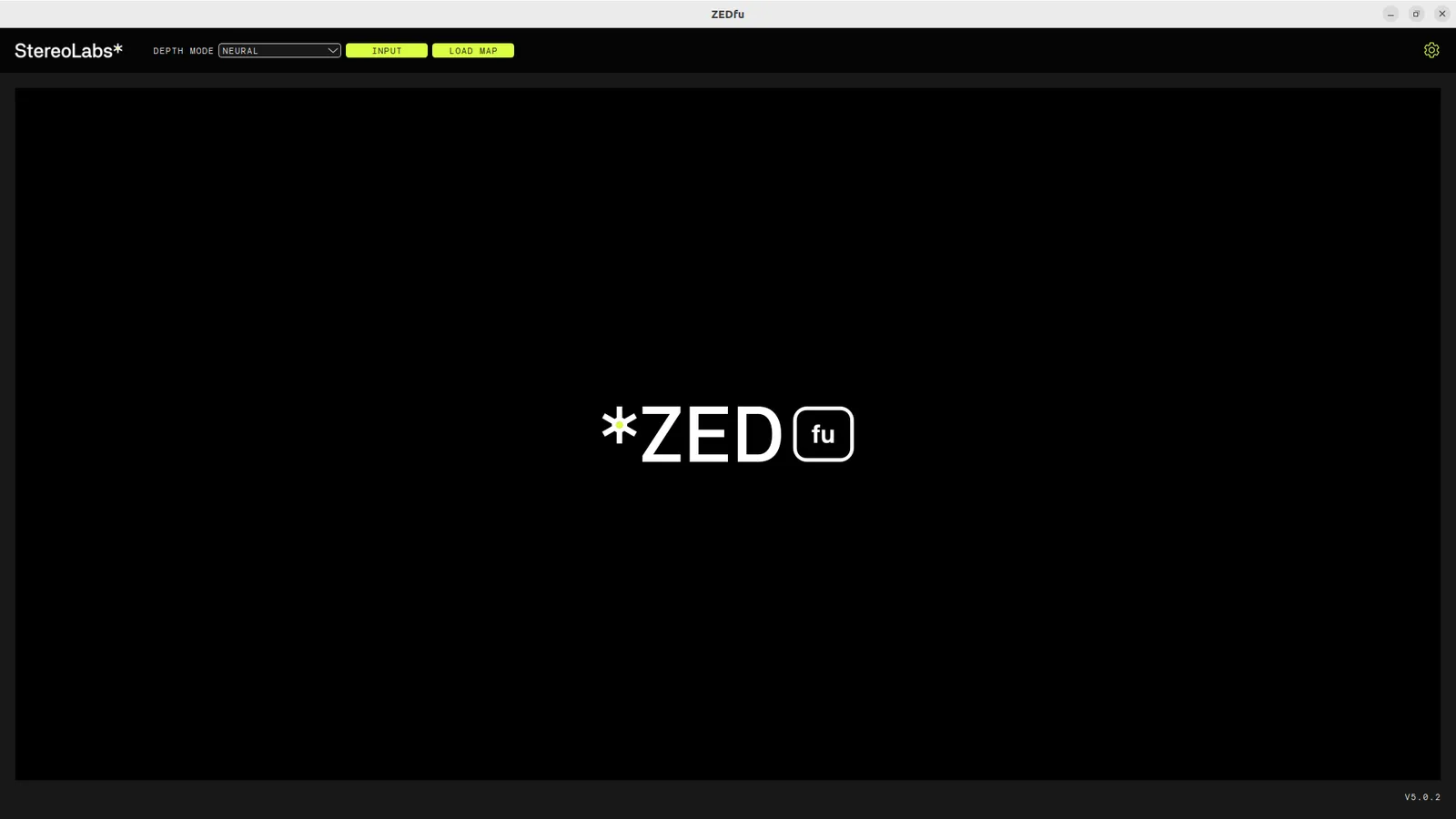
ZEDfuExperiment with 3D reconstruction and environment visualization using the Spatial Mapping module.
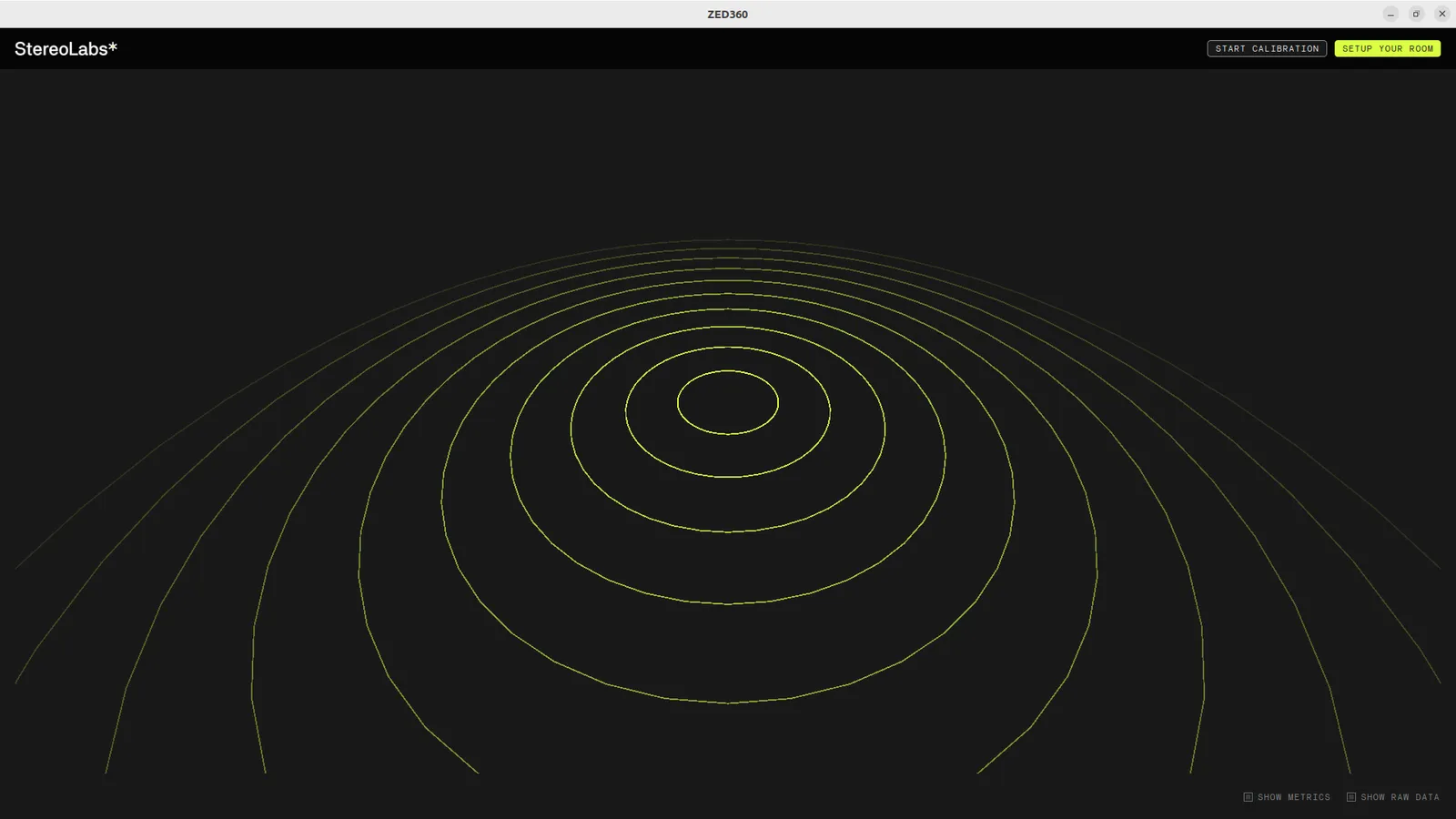
ZED360Calibrate a multi-camera ZED system and obtain extrinsic parameters for use with the Fusion module.
ZED DiagnosticsCheck health and performance of your ZED camera for troubleshooting and optimal device experience.
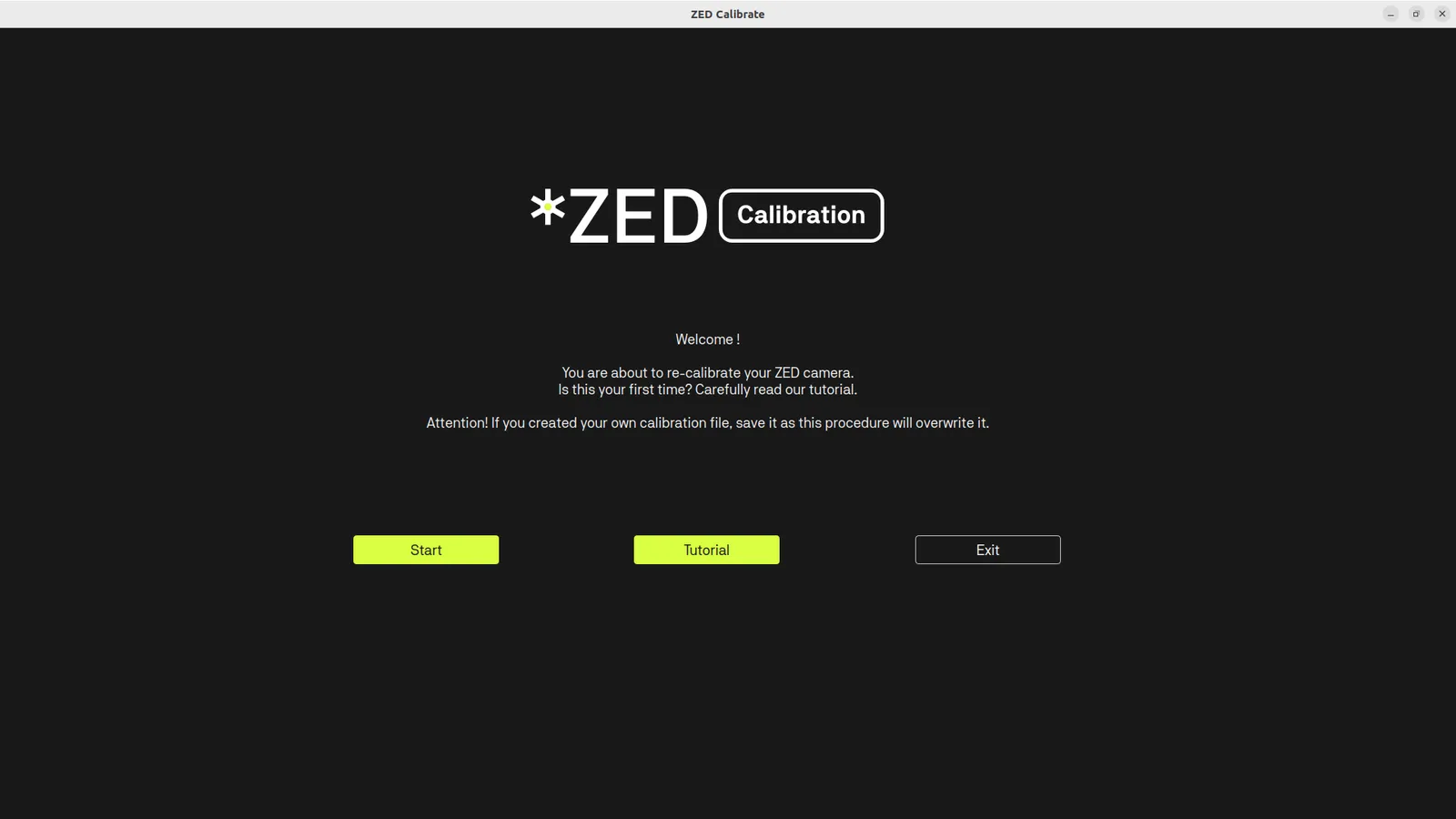
ZED CalibrationRecalibrate your ZED camera for special scenarios to compensate for image distortions and maintain performance.
ZED ExplorerZED Studio
ZED Depth ViewerZED Sensor Viewer
ZEDfuZED Diagnostics
ZED CalibrationZED360