

Physical AI
This page covers humanoids, robotic arms and the data collection setups used to train physical AI models. For each application, it lists the camera, lens, options and host that usually fit, and the pitfalls to avoid. Use these recommendations as a starting point and check them against your requirements.
Before choosing, read the rules that apply to most applications. For a step-by-step selection, see Choose your camera and Choose your ZED Box.
At a glance
| Application | Camera | Lens | Polarizer | Host | |
|---|---|---|---|---|---|
 | Physical AI and humanoid robots | ZED X, ZED X One S, ZED X Nano (wrist) | Wide or fisheye | Depends on site | Jetson with GMSL2 |
 | Robotic manipulation | ZED X Nano, ZED X Mini | Wide | Depends on site | Jetson with GMSL2 |
 | Data collection | ZED X Mini, ZED X Nano, ZED X | Wide | Depends on site | Orin NX or AGX Orin |
For the polarizer, “Depends on site” means: with polarizer outdoors in daylight, without polarizer indoors or in low light. Only the ZED 2i, ZED X and ZED X Mini are available with a polarizer. For details, see Should you choose the polarizer?.
Physical AI and humanoid robots
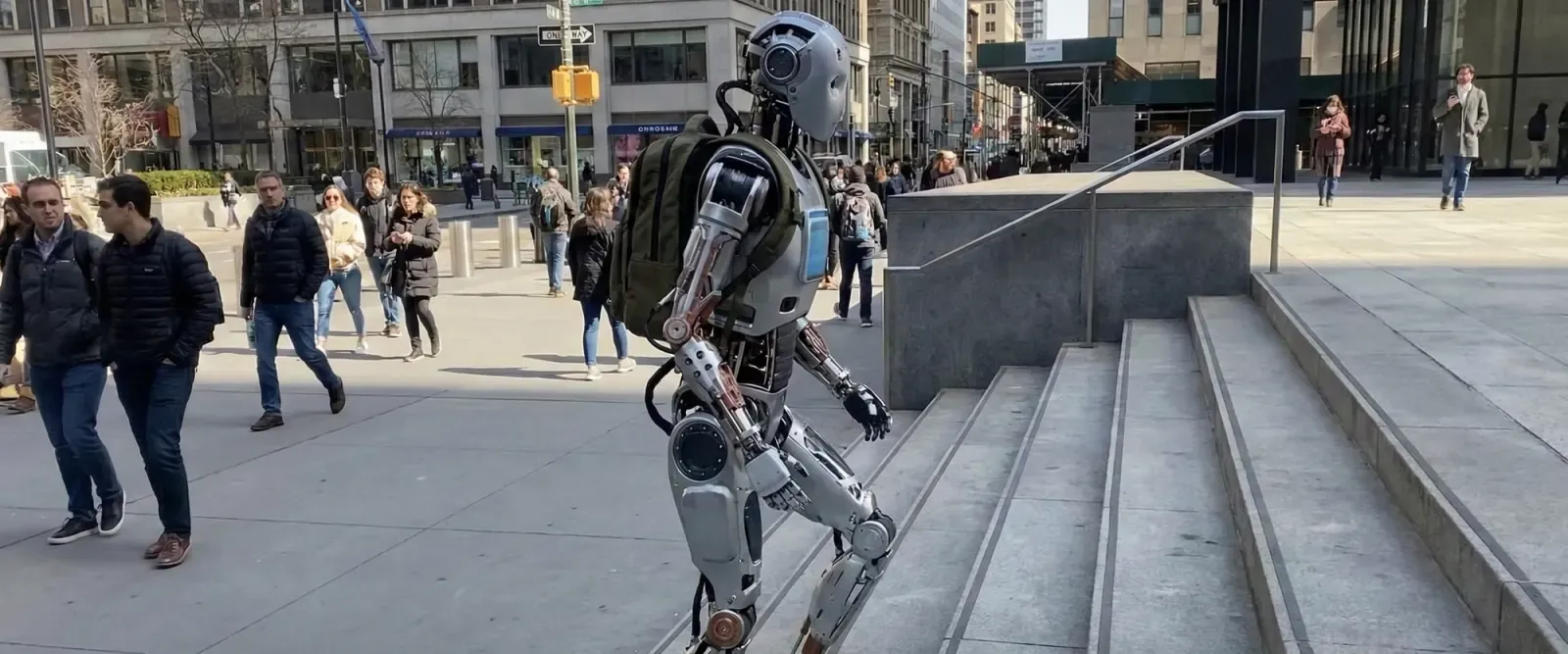
Humanoids and other physical AI platforms combine several vision tasks, each with its own camera:
A single ZED X One provides images and inertial data only: depth requires a stereo camera or a pair of ZED X One. The ZED X Nano is designed for indoor use, has no IP rating and does not support body tracking.
Robotic manipulation
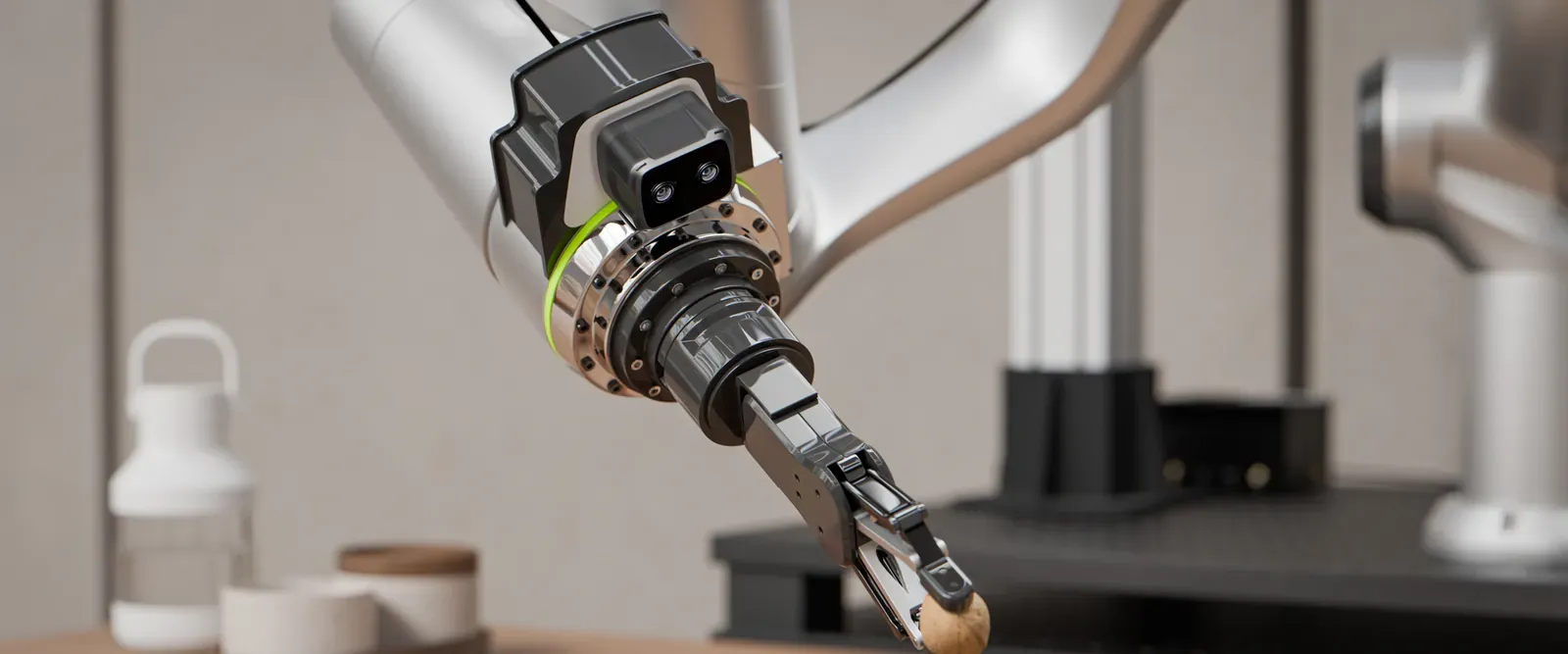
Robotic arms, pick-and-place, depalletization and bin picking.
- Eye-in-hand (camera on the wrist or end effector): ZED X Nano. Its ideal range of 0.05 m to 1.5 m covers the approach and grasp phases, and its 75 g weight suits the wrist.
- Eye-to-hand (camera above or beside the workspace): ZED X Mini with wide lens, ideal range from 0.1 m to 4 m.
- Larger workspaces: ZED X, whose 120 mm baseline keeps the depth accurate at longer working distances.
- High resolution at short range, or a custom depth of field: two ZED X One cameras as a virtual stereo rig. The no-lens versions accept your own optics.
For accurate grasping, check the depth accuracy of the chosen camera at your working distance in the specification pages.
Data collection
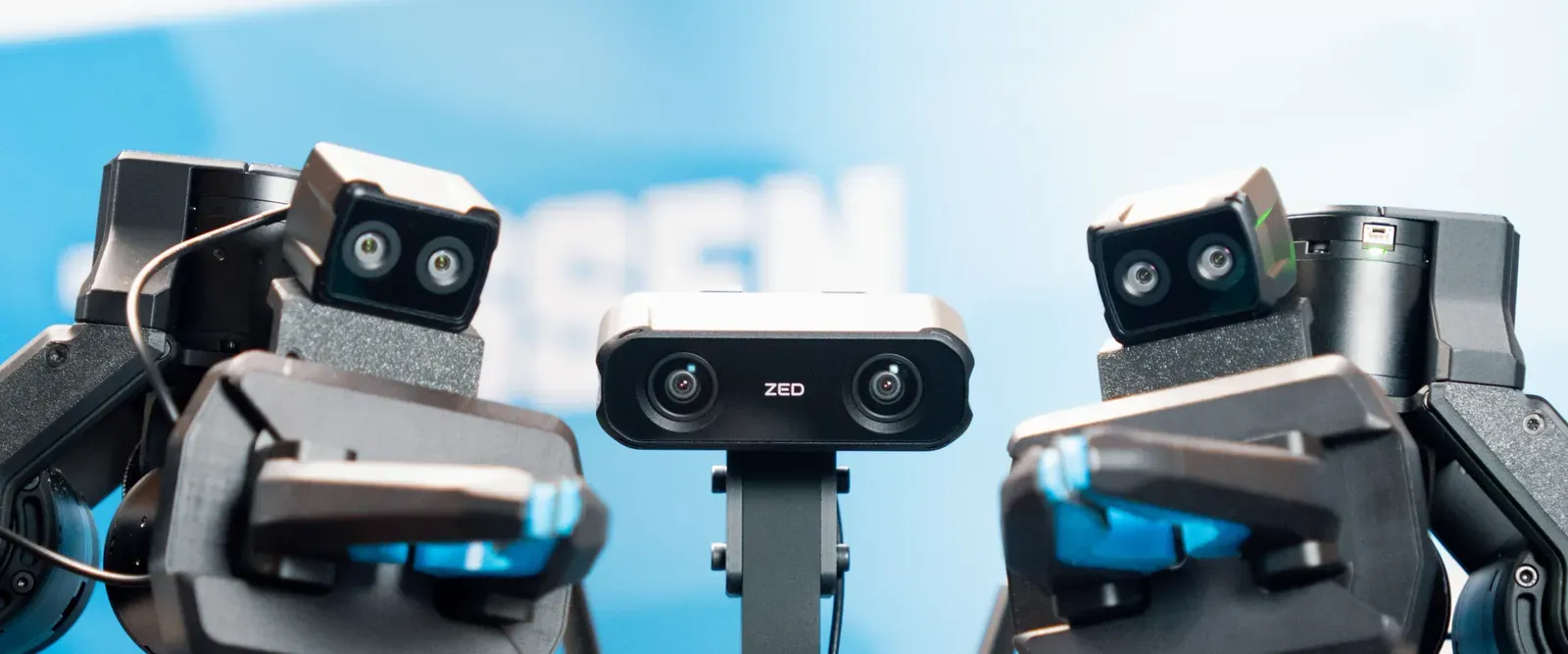
Collecting synchronized image, depth and inertial datasets, for example to train AI models, for imitation learning, or for offline analysis.
- Cameras: choose them by viewpoint, as for robotic manipulation and physical AI. For example, a bimanual teleoperation setup can combine a ZED X Mini for the global scene view and one ZED X Nano on each wrist for the close-range gripper view.
- Synchronization: GMSL2 cameras connected to the same deserializer capture their frames within 15 µs of each other, so the views of a multi-camera dataset match in time.
- Host: a Jetson Orin NX or Jetson AGX Orin, to record with the hardware video encoder. For more cameras than a ZED Box supports, use a Jetson AGX Orin with a ZED Link Quad.
- Storage: plan the storage for the duration of your sessions. The ZED Box Mini has a 256 GB SSD, and the ZED Box Orin is available with up to 2 TB.
The exposure and gain settings are applied to the recorded images, so set them for the recording conditions. Record a short test in the real environment first.
Need help?
Contact support@stereolabs.com with a description of your application: working distances, motion, environment and number of cameras.