

Using GMSL with ZED Box 2
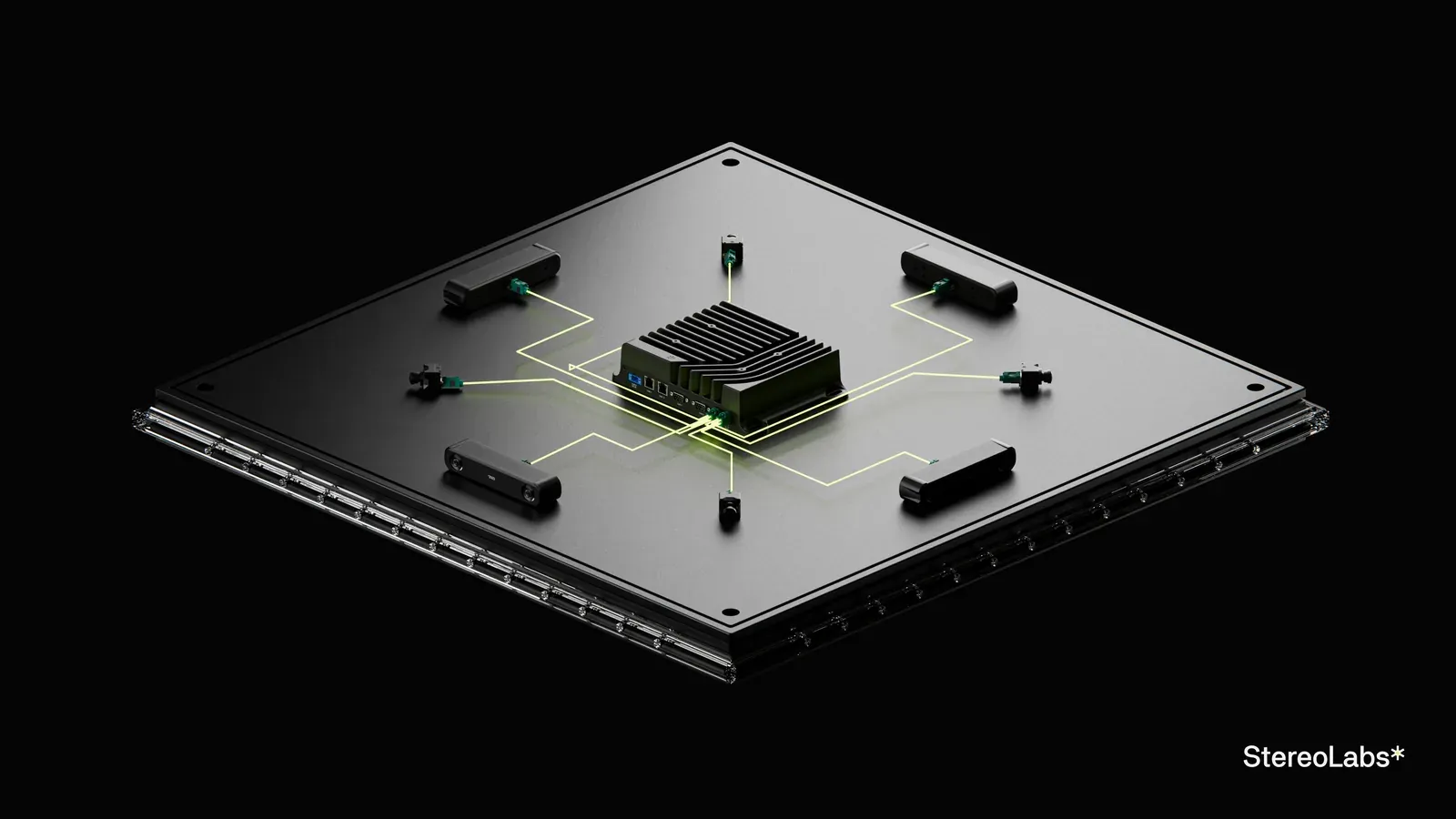
The ZED Box 2 comes with two embedded GMSL2 quad deserializers, so you can connect up to 8 ZED X and ZED X One cameras, or any other supported GMSL2 camera.
GMSL driver
The ZED X cameras require a GMSL driver. It comes already installed with the ZED Box 2.
You may need to install it manually, especially if you upgraded your system version. Go to our website and download the ZED Box 2 driver version that matches your L4T version.
To find your Jetson Linux (L4T) version, run:
You will obtain an output like this:
In this example, the L4T version is 36.4.3.
Then, open a terminal in the folder that contains the downloaded driver and run:
Finally, reboot the device.
Multi-camera configurations
The ZED Box 2 provides 8 GMSL2 ports on two Quad FAKRA-Z connectors. Each connector is driven by its own deserializer:
- Connector #1: ports 1 to 4
- Connector #2: ports 5 to 8
On each connector, the ports are organized in two pairs of adjacent ports: ports 1-2 and 3-4 on connector #1, ports 5-6 and 7-8 on connector #2.
The bandwidth is shared between the cameras connected to the same Quad FAKRA-Z connector. Please refer to the table below to understand how different camera configurations provide different image capture behaviors, according to the number of cameras, their type, and the ports they are connected to:
For the maximum frame rate with stereo cameras, connect no more than 2 stereo cameras to each Quad FAKRA-Z connector, and distribute them over the two connectors.
Beyond the GMSL2 bandwidth, the number of cameras you can process in real time also depends on the ZED SDK modules you run and on the power mode of the Jetson module. Read Frame rate and latency to size your application.
Camera synchronization
The cameras connected to the same Quad FAKRA-Z connector are natively synchronized by their deserializer. The synchronization of the two deserializers, and of several ZED Box 2 units, is configured with the sync_mode parameter of the ZED X daemon, in the file /etc/systemd/system/zed_x_daemon.service:
Change the mode with the following commands, replacing <mode> with 0, 1, or 2:
The mode is kept across reboots.
Synchronize all the cameras of a ZED Box 2
To synchronize the cameras connected to the two Quad FAKRA-Z connectors together, for example for 360° perception with 8 cameras, set sync_mode=1:
Now, all the cameras connected to the ZED Box 2 have synchronized frame acquisition with 15µs precision.
Although frames are hardware-synchronized with 15µs precision, software timestamps are assigned upon driver receipt and may exhibit slight millisecond-level jitter. Frames are considered synchronized if the timestamp difference is less than one frame period (1000/FPS ms).
Multi-device synchronization
Several ZED Box 2 units can share the same frame-sync trigger, so that the grab calls of the ZED SDK on all the devices are aligned on the same clock signal.
The trigger pins of the Sync and IO connector are 1.8V signals. Do not connect them to 3.3V or 5V signals, for example the SYNC-OUT port of a ZED Box Mini or a third-party trigger source, without a level shifter: out-of-range voltages may permanently damage the port and the Jetson module.
The devices are wired in a star configuration: the trigger output of the Master is split to reach the trigger input of each Slave. Unlike the ZED Box Mini, the ZED Box 2 units are not daisy-chained: a Slave does not forward the trigger signal to another Slave.
-
Designate one ZED Box 2 as Master and set
sync_mode=1on it, as described above. -
On each Slave ZED Box 2, set
sync_mode=2: -
Connect a
GNDpin (for example pin #5) of the Master to aGNDpin of each Slave. -
Split the wire from pin #1 (
DESER_1_TRIGOUT) of the Master, and connect it to pin #2 (DESER_2_TRIGIN) of each Slave. -
Restart the ZED X daemon on each Slave:
-
Verify the Slave configuration:
The output should report
Sync mode configuredfor the deserializers.
When you use an external trigger source instead of a Master ZED Box 2, it must provide a signal with the following characteristics:
- Square wave
- Amplitude: 1.8V, never higher
- Frequency: the camera frame rate set in the ZED SDK (15Hz, 30Hz, 60Hz, or 120Hz)
Multi-device synchronization is only available for GMSL2 cameras. USB 3 cameras do not support this feature.
Developing your own driver
If you intend to use a GMSL device alongside a StereoLabs ZED X camera, a custom driver is required for compatibility.
In such cases, we recommend reaching out to our support team at support@stereolabs.com for more information and assistance.