

ZED X One Core - MIPI
If you recently purchased one or more ZED X One Core cameras, congratulations! This guide aims to help you become acquainted with the ZED X One Core and to give you the essential information you need to integrate it into your own product. How do I connect my ZED X One Core? Which capture card and host platform do I need? What do I have to take care of when I design my enclosure? If you are asking yourself these questions, this guide is here to help.
About ZED X One Core
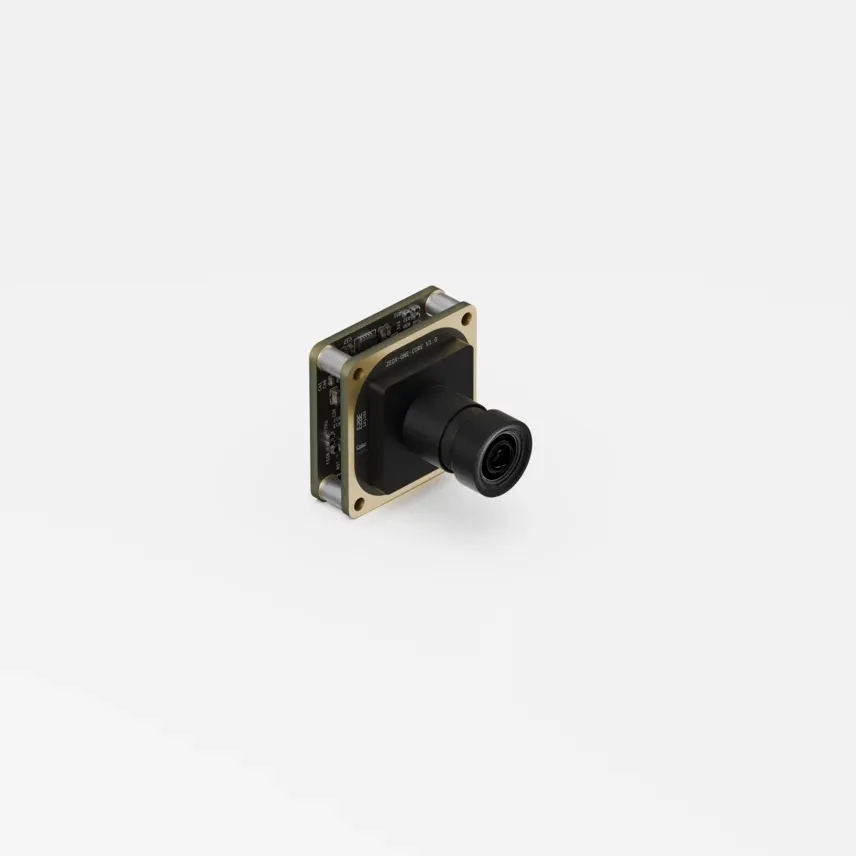
The ZED X One Core is a compact, barebone monocular camera designed for OEMs who need a vision module that fits into small enclosures and tightly integrated robotic systems. It is the board-level member of the ZED X One family: a 27 x 27 mm module, weighing less than 20 g, with a 2.3 MP global shutter RGB sensor and a 6-axis IMU.
| ZED X One Core | Size comparison |
|---|---|
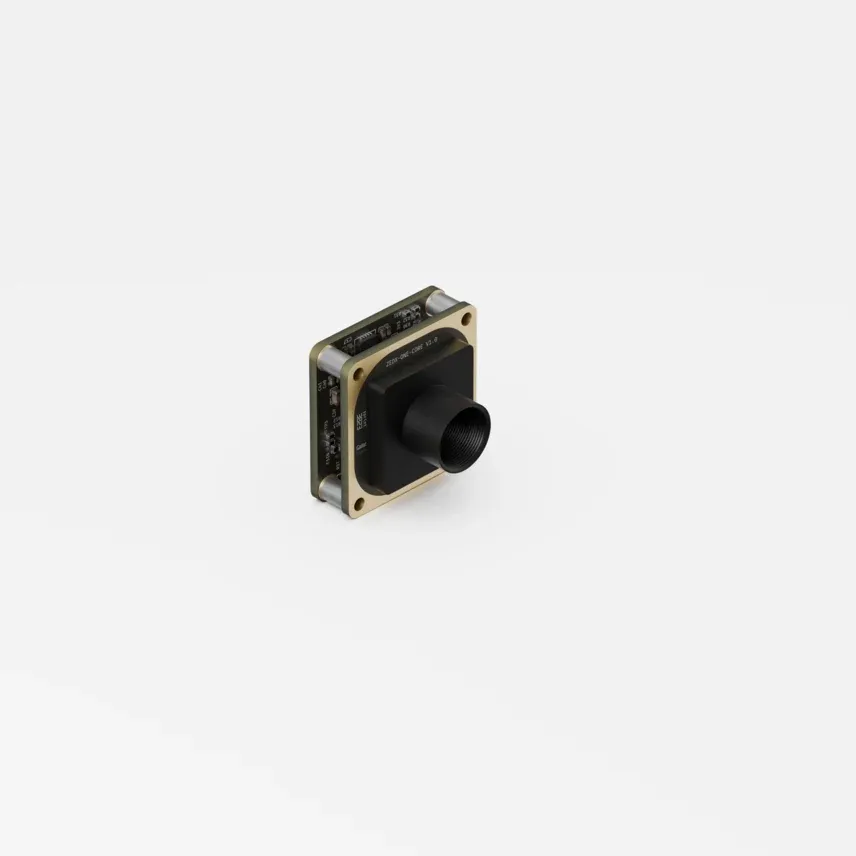 | 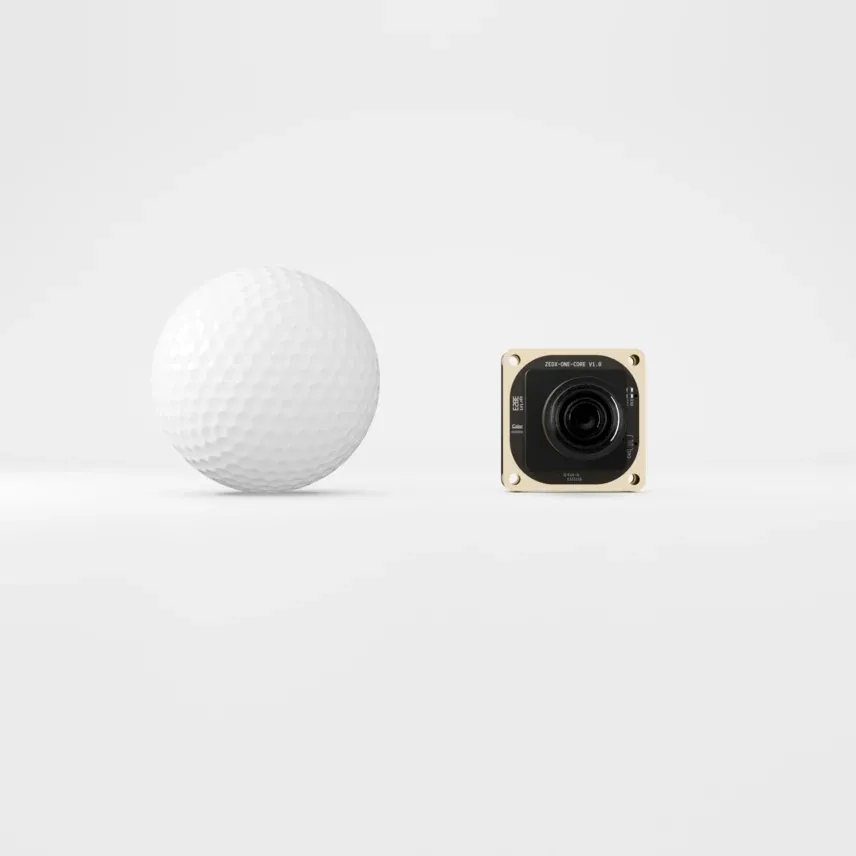 |
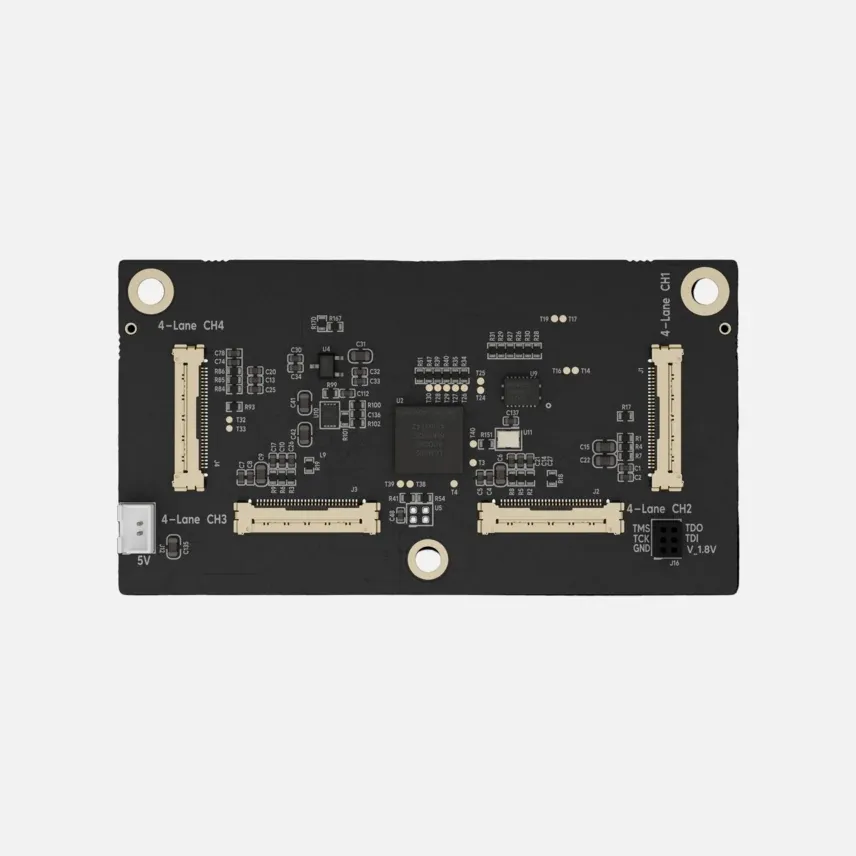
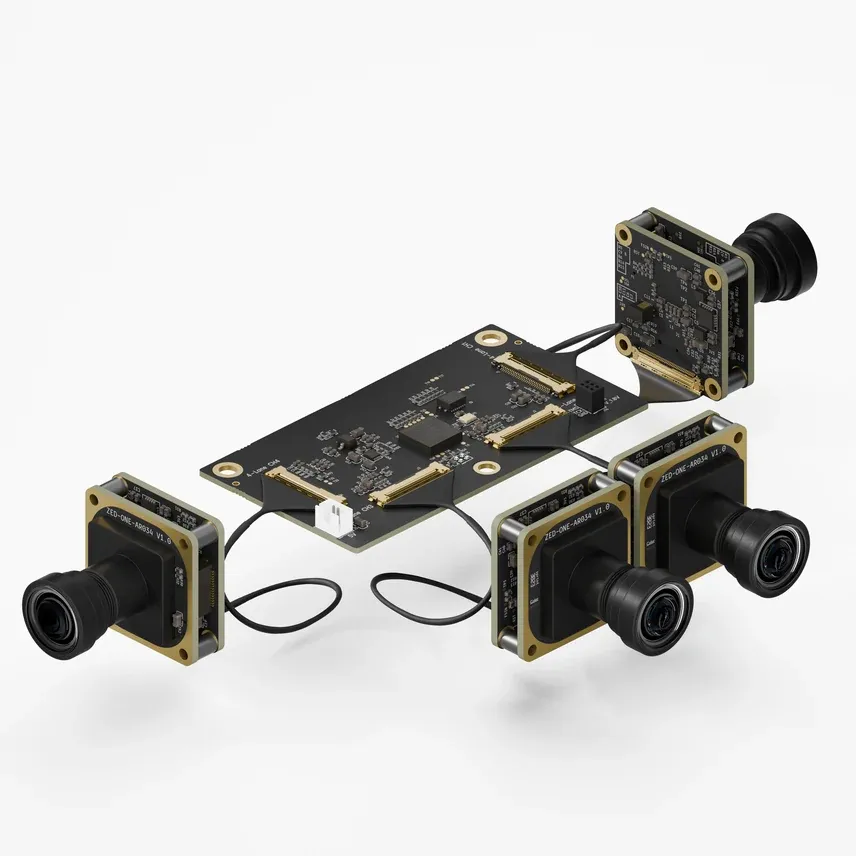
Unlike the other ZED cameras, the ZED X One Core does not use a GMSL2 link. It exposes a native MIPI CSI-2 interface on a 30-pin Micro I-PEX connector, and it is designed for exclusive use with the ZED Link MIPI capture card, which supports up to four cameras on a single board.
The ZED X One Core is a barebone module: it is delivered without housing and without a mounting plate, so the mechanical integration is yours to design. Cameras purchased with optics are factory focused and calibrated, and are ready to use as they are. Focusing and intrinsic calibration are only your responsibility in custom configurations: a camera purchased without optics, on which you mount your own lens, or a camera used behind a window or underwater. A stereo pair always requires an extrinsic calibration of the rig, since the geometry is specific to your assembly.
Main features
- Barebone OEM integration - a 27 x 27 mm module with four Ø2.2 mm mounting holes, meant to be embedded in your own mechanical design.
- Thor-ready MIPI interface - a native MIPI CSI-2 link on an industrial Micro I-PEX connector, supporting coaxial cable lengths up to 50 cm, for deterministic, low-latency and EMI-free video transmission.
- Multi-camera synchronization - frame-level hardware synchronization of several cameras with a precision of 15 µs, through the
FSINsignal of the connector. - Global shutter HD 60 fps - distortion-free capture of fast-moving scenes at 1920x1200 @60 fps.
- High-performance IMU - a 16-bit triaxial accelerometer and gyroscope with high vibration robustness and low noise, aligned with the optical center of the image.
- Versatile lens options - fisheye, wide, and narrow lenses, or no lens at all if you plan to mount your own optics on the lens holder.
What’s in the box
- 1x ZED X One Core
- 1x MIPI I-PEX cable
The ZED Link MIPI capture card is sold separately and is required to operate the camera.
Lens options
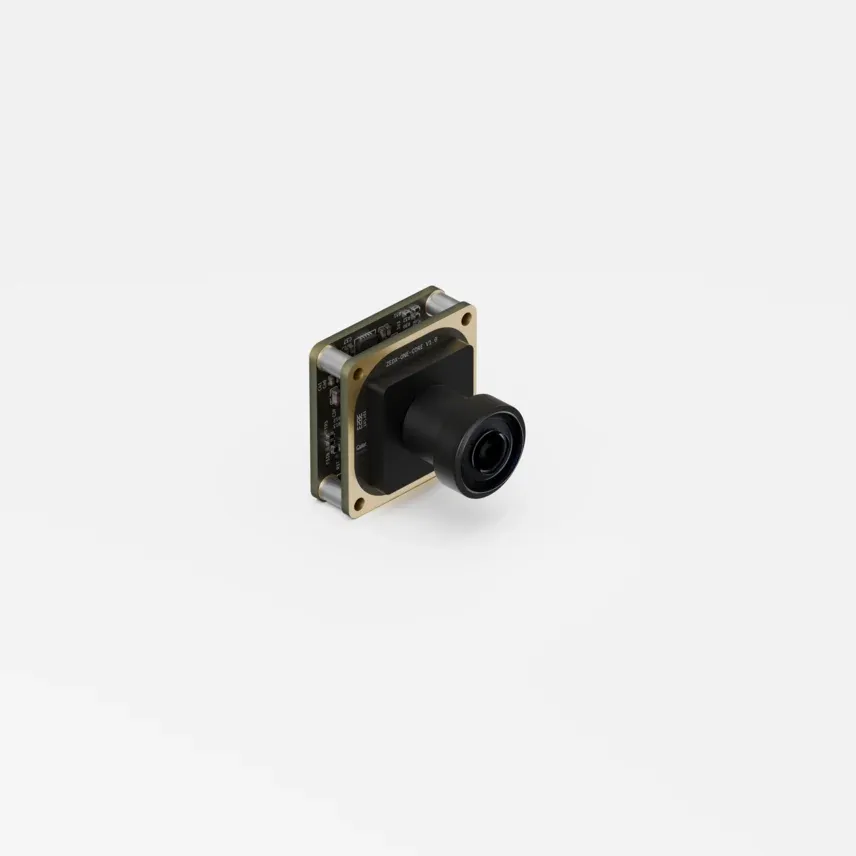
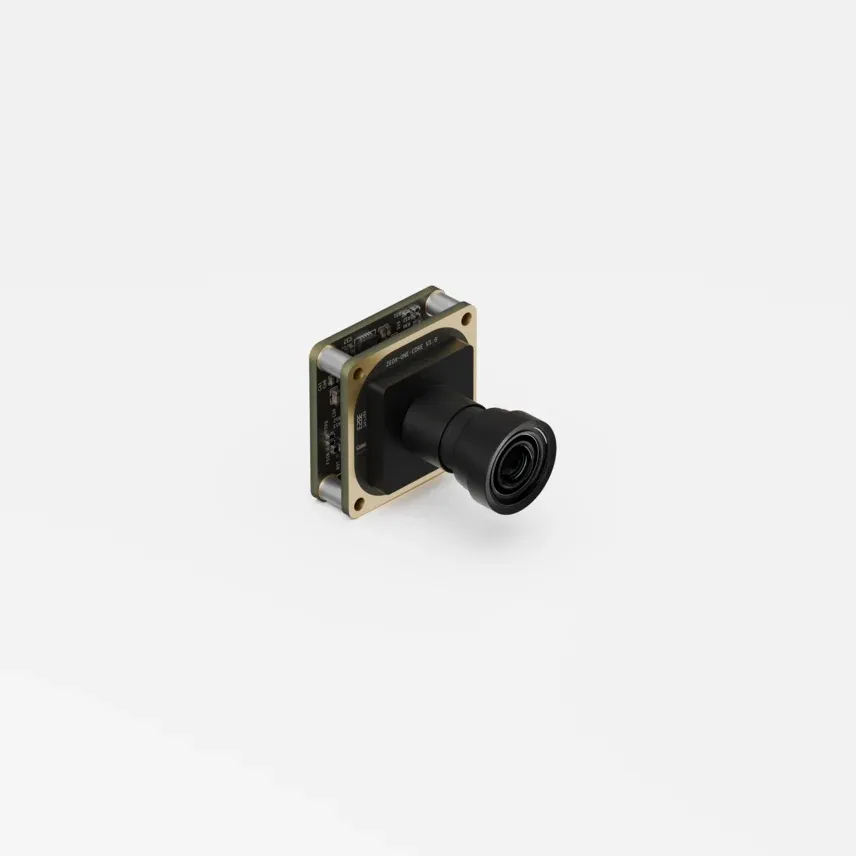
The ZED X One Core is available with three lens options, or with no lens. The field of view has a direct impact on the performance of your vision system, so it is worth choosing it according to the task:
- Narrow lenses provide more detail at close range and remain effective for long-range detection, which makes them a good fit for precise, single-task operations.
- Wide lenses cover more of the scene, which helps data collection and collision avoidance.
- Fisheye lenses offer panoramic awareness and are particularly effective for localization tasks.
| Fisheye | Wide | Narrow | |
|---|---|---|---|
 |  |  | |
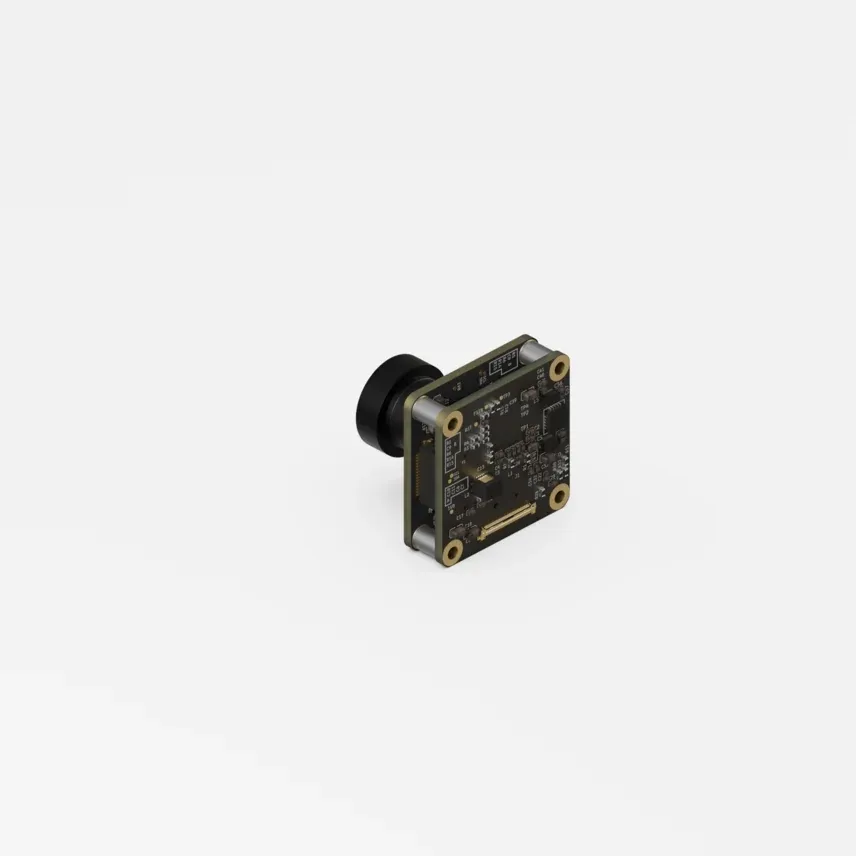 | 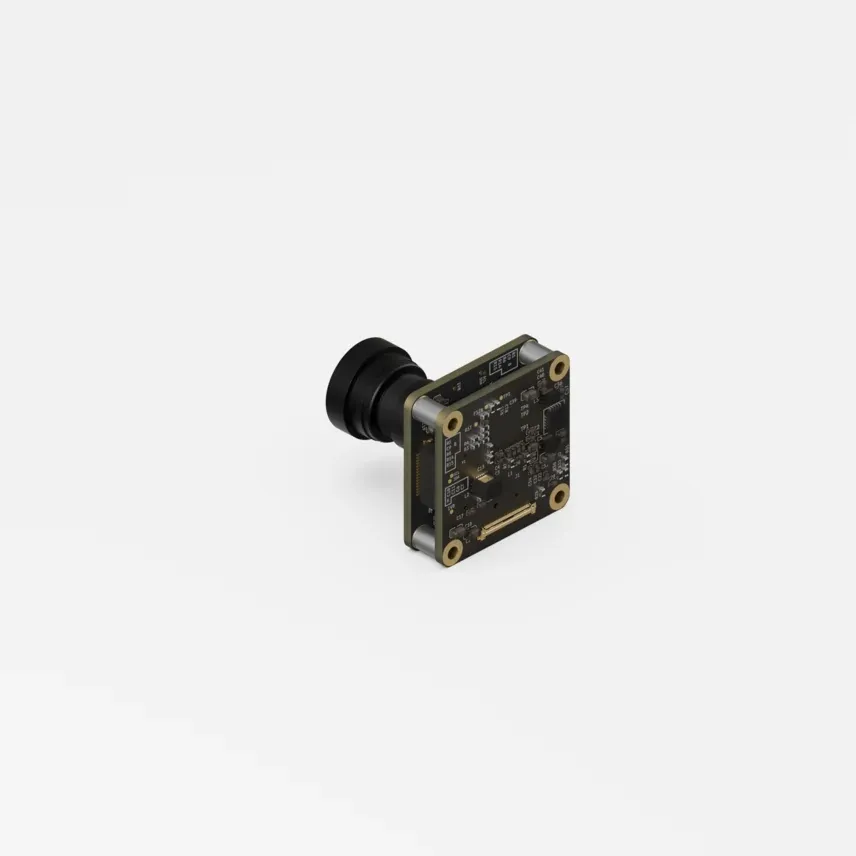 | 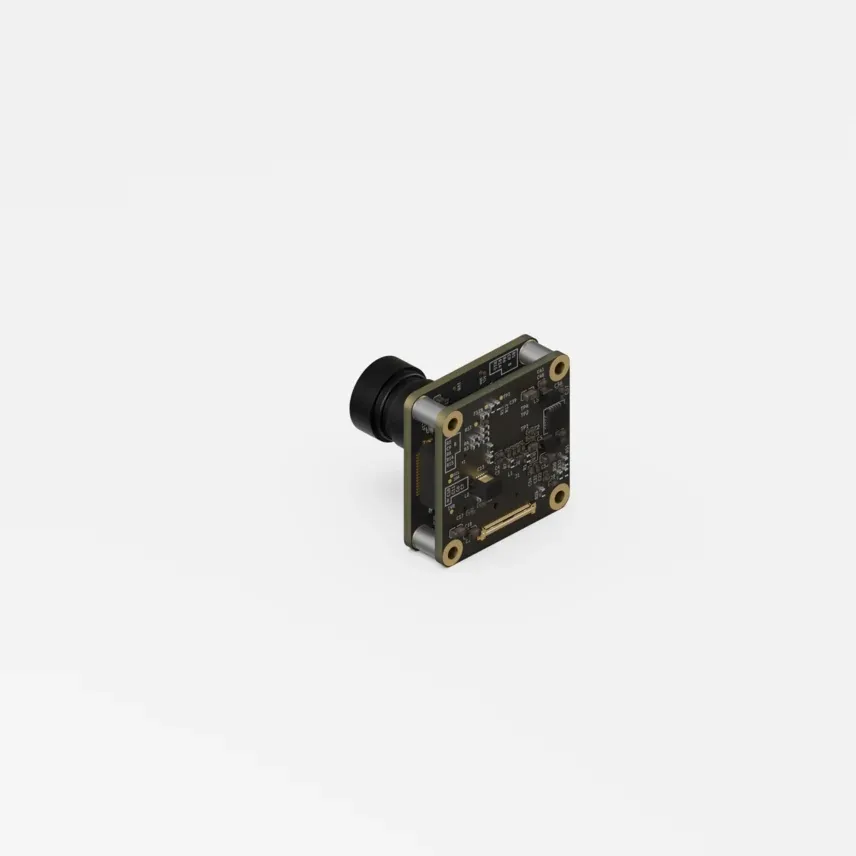 | |
| Focal length | 1.38 mm | 2.2 mm | 4.6 mm |
| Field of view | 204° (H) x 137° (V) x 218° (D) | 110° (H) x 80° (V) x 120° (D) | 73° (H) x 45° (V) x 87° (D) |
| Aperture | f/2.0 | f/2.2 | f/2.0 |
| Height | 29.72 mm | 34.52 mm | 31.27 mm |
| Weight | 17 g | 19 g | 14 g |
The complete list of specifications, the mechanical drawings of each version, and the part numbers are available on the Specifications page.
Setting up your system for ZED X One Core
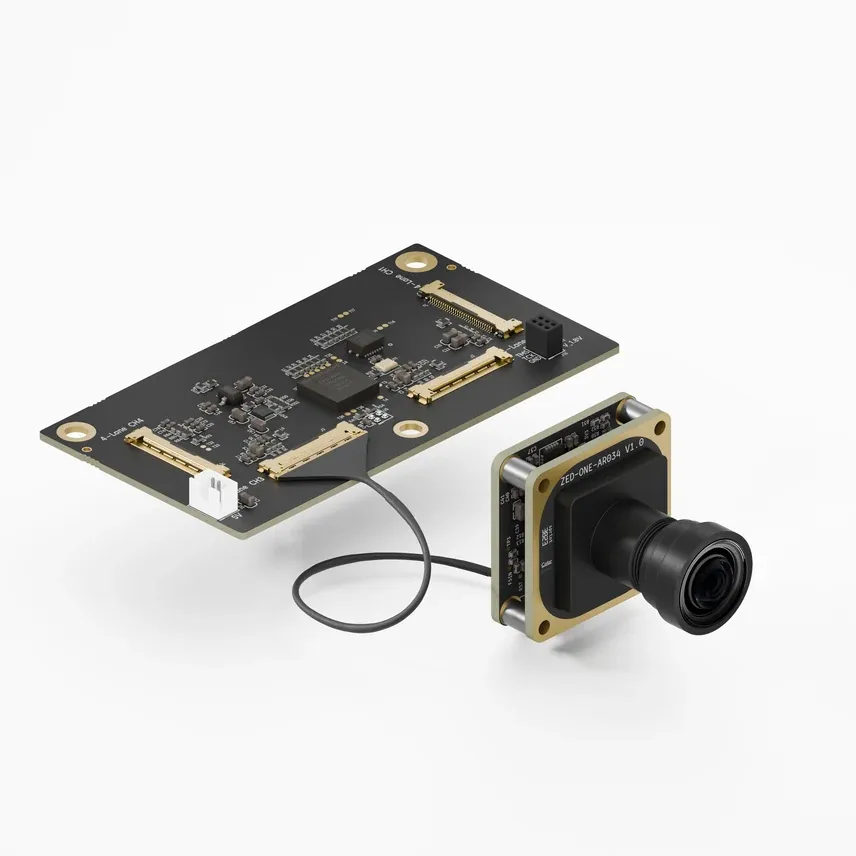
The ZED X One Core streams MIPI CSI-2 data, which is not compatible with USB and cannot be connected directly to a PC. The camera is designed for exclusive use with the ZED Link MIPI capture card, which is itself connected to an NVIDIA® Jetson™ host.
| ZED Link MIPI Quad | One camera connected | Four cameras connected |
|---|---|---|
 |  |  |
Two host configurations are supported:
- NVIDIA® Jetson AGX Orin™ Developer Kit - the capture card connects directly to the
CAMERAconnector (J12) of the developer kit, for a maximum of 4 ZED X One Core cameras. - NVIDIA® Jetson AGX Thor™ Developer Kit - the capture card connects to the NVIDIA® Holoscan Sensor Bridge, which streams the data to the Jetson Thor™ over 10 Gb Ethernet (QSFP+), for a maximum of 2 ZED X One Core cameras.
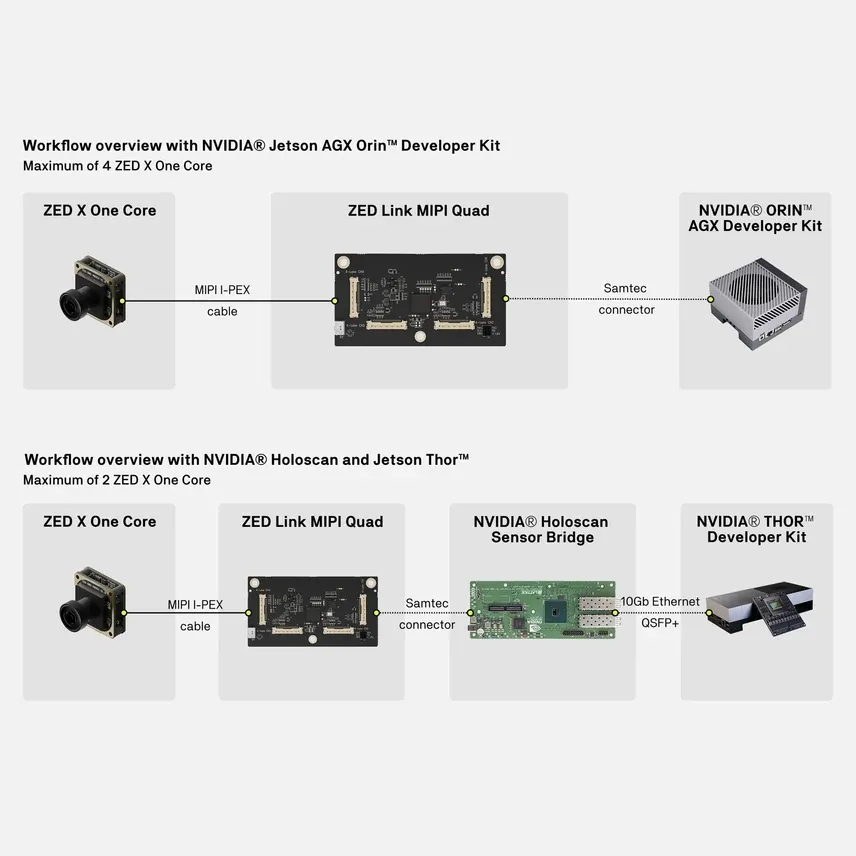
Support for the NVIDIA® Holoscan Sensor Bridge with Jetson AGX Thor™ is currently in beta and may have limitations.
The ZED X One Core is not compatible with the ZED Link Mono, Duo, and Quad GMSL2 capture cards, and the GMSL2 ZED X One models are not compatible with the ZED Link MIPI capture card. The two interfaces are electrically and mechanically different.
The ZED X One Core does not support hot-plugging. Cameras must be connected and disconnected only when the host is powered off, and any change to the hardware configuration requires a full reboot of the host to take effect.
For the assembly, wiring, and driver installation procedure, follow the setup guide matching your host:
How to use ZED X One Core
Once the capture card driver is installed, the ZED X One Core behaves like any other ZED X One camera in the ZED SDK, so all the guides written for the ZED X One apply.
Monocular camera
The ZED X One Core can be used as a standalone monocular camera to capture images, video, and inertial data. It is accessible through the ZED SDK using the sl::CameraOne object.
Stereo camera
Two ZED X One Core cameras rigidly mounted side by side form a stereo camera with a modular baseline. The distance between the two cameras and the lens option both determine the effective depth range: a small baseline sees accurately at very close range, while a larger baseline extends the range but increases the minimum working distance.
A stereo rig requires an extrinsic calibration procedure once it is mechanically set up, to compute the relative position of the two cameras used for depth computation. This is required even with factory-calibrated cameras, because the geometry of the rig is specific to your assembly.
Typical applications
- Data collection
- Surround vision
- Teleoperation
- Long-range 3D perception with a matching camera pair
Advanced: Raw NV12 Buffer Access
For performance-critical applications like GStreamer pipelines or NVIDIA DeepStream, the ZED SDK offers a zero-copy API to access raw NV12 buffers directly from the capture pipeline. This allows low-latency integration with NVIDIA multimedia frameworks by avoiding unnecessary memory copies.
Using ZED X One Core with a Virtual Display
For remote access to your system, running on an NVIDIA® Jetson™ device, a virtual display lets you run GUI applications and development tools without a physical monitor or HDMI dongle. This is ideal for headless robotic setups where you need to use the ZED SDK remotely through VNC, NoMachine, or X11 forwarding.
Follow the “Virtual Display on NVIDIA® Jetson™” guide to configure a software-based virtual display for your environment.
Docker
You can find a guide to use the ZED X One family in Docker on this page.
Troubleshooting
If you have any issues while setting up your ZED X One Core, please refer to our Troubleshooting guide and to the capture card Troubleshooting guide.
Hardware reference
- Specifications - sensor, IMU, optics, mechanical drawings, part numbers, and compliance.
- Interfaces - connector reference, signal voltage levels, pin description, and I²C address map.
- Datasheets - the official ZED X One Core datasheet.
- CAD Files - the most up-to-date CAD files of all our products.