

USB 3 Cables
The ZED 2i and ZED Mini connect to the host with a USB 3.0 cable: USB Type-C plug on the camera side, USB Type-A plug on the host side. Connect them to a USB 3 port of the host to get the maximum resolution and frame rate.
Choose your USB 3 cable
The screws of the locking cables keep the connector in place under vibration, and the cable keeps the IP66 sealing of the ZED 2i. The ZED 2i supports an external cable of up to 10 m (32.81 ft).
Available USB 3 cables
All the cables have a USB 3.0 Type-A plug on the host side.
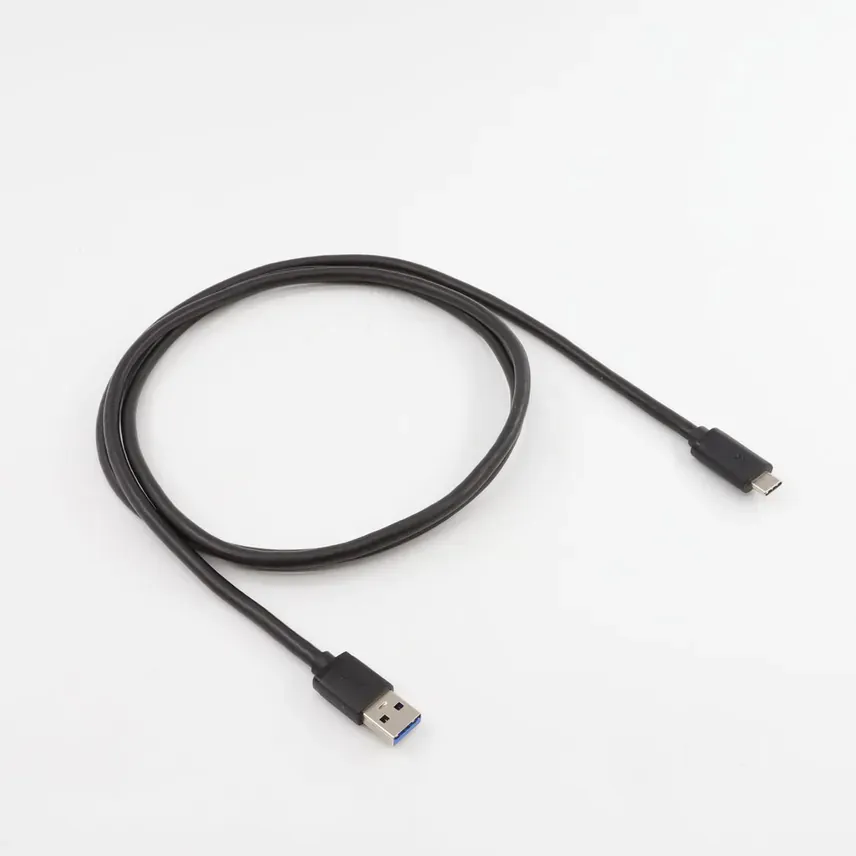 | 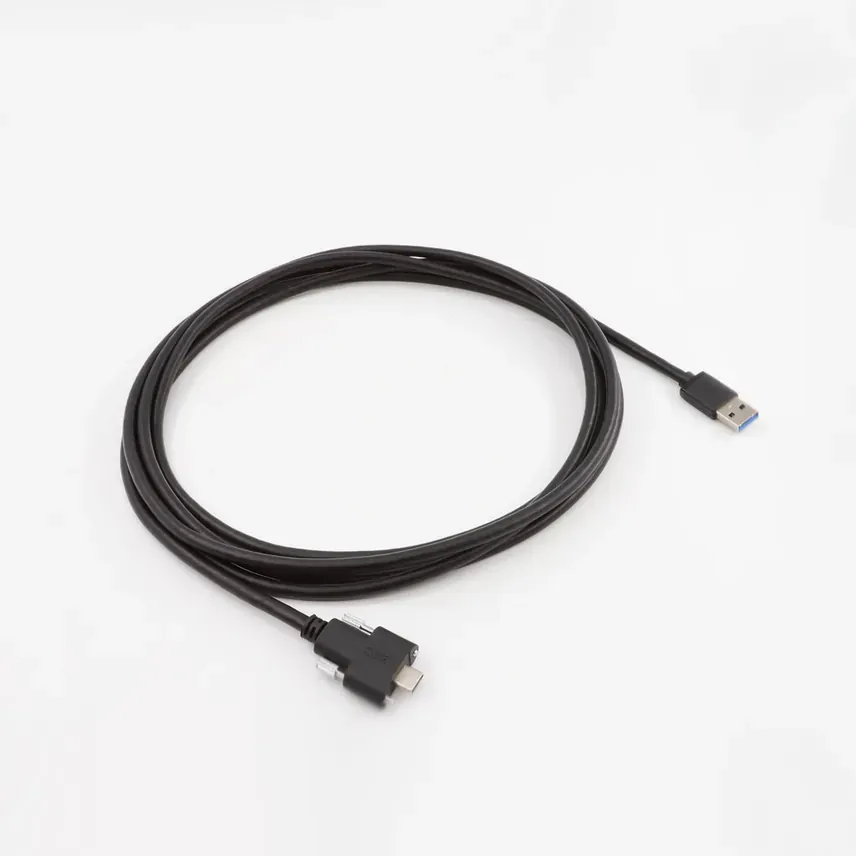 | 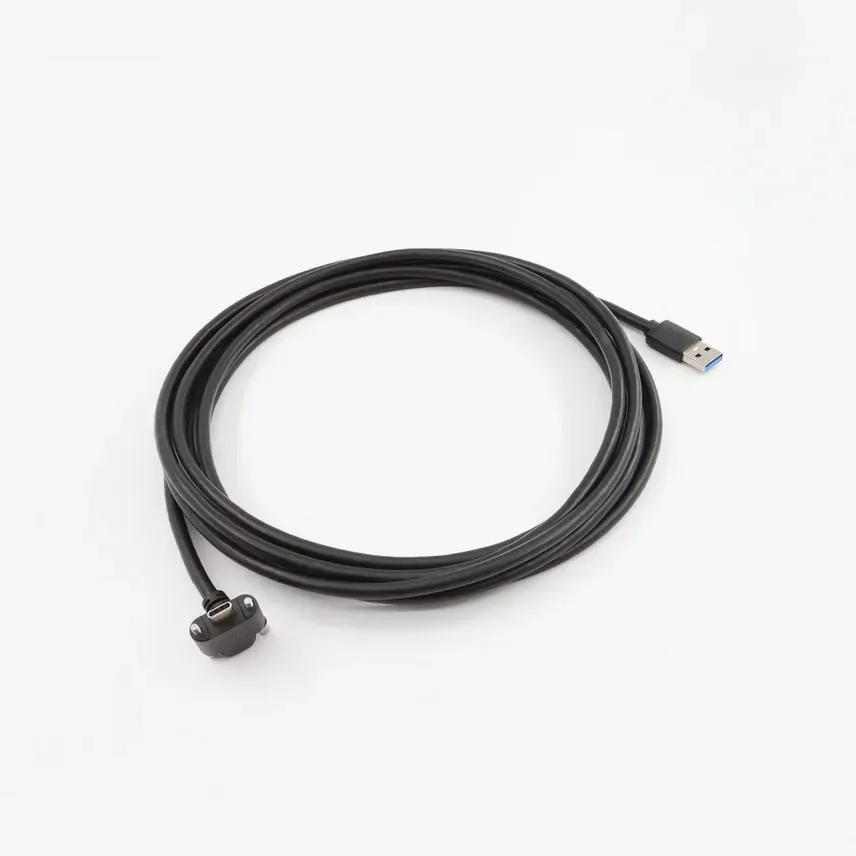 |
|---|---|---|
| Standard cable | Dual screw locking cable | Right-angle dual screw locking cable |
Power input of the long cables
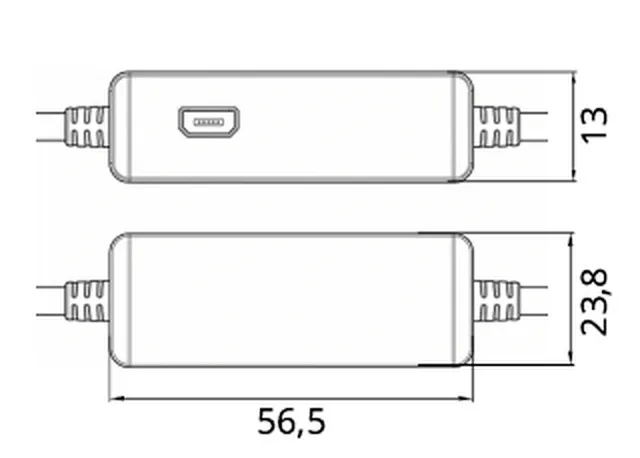
The 5 m and 10 m dual screw locking cables include an inline USB 3 repeater in each 5 m segment: one repeater on the 5 m cable, two on the 10 m cable. The repeaters keep the USB 3 signal over the full length of the cable.
Each repeater has a micro-USB power input. Use it to inject additional power into the cable when the USB port of the host does not provide enough current to the camera, for example:
- the camera is not detected, or disconnects when it starts streaming;
- the host is a low-power device, or its USB ports are shared with other devices.
To power the cable, connect a USB power adapter with a micro-USB plug to the micro-USB port of a repeater. Without external power, the cable works as long as the host provides enough current to the camera.
On the 10 m cable, power one repeater first. If the connection is still not reliable, power the second repeater too.
Do not power the repeater from a USB port of the host the camera is connected to. The power of the host USB ports is shared, so the additional power has no effect. Use a separate USB power adapter for each repeater you power.
Extend a USB 3 connection
USB 3 signals and power degrade with the cable length. Prefer a single locking cable of the right length, with its built-in repeaters and power input, over an extension. If you add a third-party USB 3 extension cable:
- Use a USB 3 extension rated for the full USB 3 data rate, and avoid chaining several extensions.
- For extensions longer than 3 m, use an active extension with an external power adapter, which injects additional power into the line so that the camera receives enough power at the far end.
- Connect the camera directly to a USB 3 port of the host, not through a hub shared with other devices.
If the camera is not detected or drops frames, see USB 3.0 bandwidth and connection issues.
Locking cable specifications
The specifications below apply to the dual screw locking cables, straight and right-angled.
The technical drawings and wiring of the cables are available in the USB 3.0 cables datasheet.
3D models
Download the STEP models of the locking cables to integrate them into your mechanical design:
All the 3D models of StereoLabs products are available on the 3D models page.