

Remote access via Serial Console
The ZED Box 2 Max provides a Serial Console interface for low-level access to the system, via its USB 2.0 Type-C debug port. This is useful when no display is connected to the HDMI ports.
The Serial Console is available only when the device is:
- Booting up
- Booted into Normal Mode (not Recovery Mode)
Connecting to the Serial Console
-
Connect a USB Type-C cable from your host computer to the USB 2.0 Type-C port labeled
Debugon the rear panel of the ZED Box 2 Max. -
Power on the ZED Box 2 Max.
-
On the host computer, open a terminal (
Ctrl+Alt+T) and installgtktermif not already installed: -
Identify the serial device of the ZED Box 2 Max:
The debug port uses a USB-to-UART bridge, detected by the host as a
/dev/ttyUSB<n>device. -
Launch
gtktermfrom the terminal with the appropriate device path (usually/dev/ttyUSB0) and a baud rate of 115200:You can use other terminal emulators such as
minicomorscreenif you prefer. -
If the cable is connected before the device is powered on, the terminal will display the boot messages as the device starts up. When the boot is complete, you will see a login prompt.
If the cable is connected after the boot procedure has completed, the terminal does not display any boot messages; you may need to press
Entera couple of times to see the login prompt.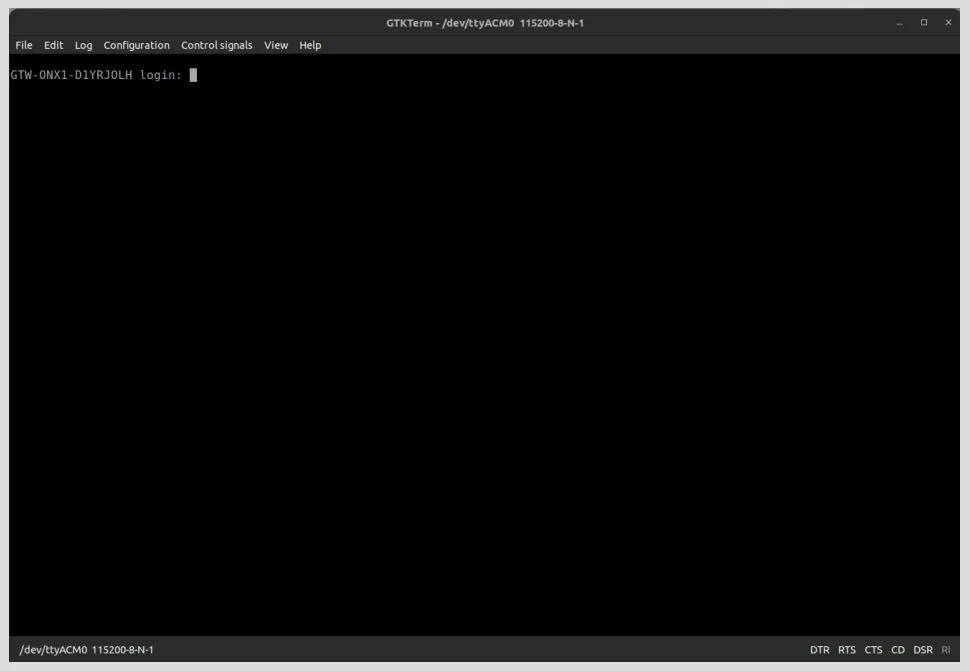
-
Log in with your credentials (default credentials:
user/admin)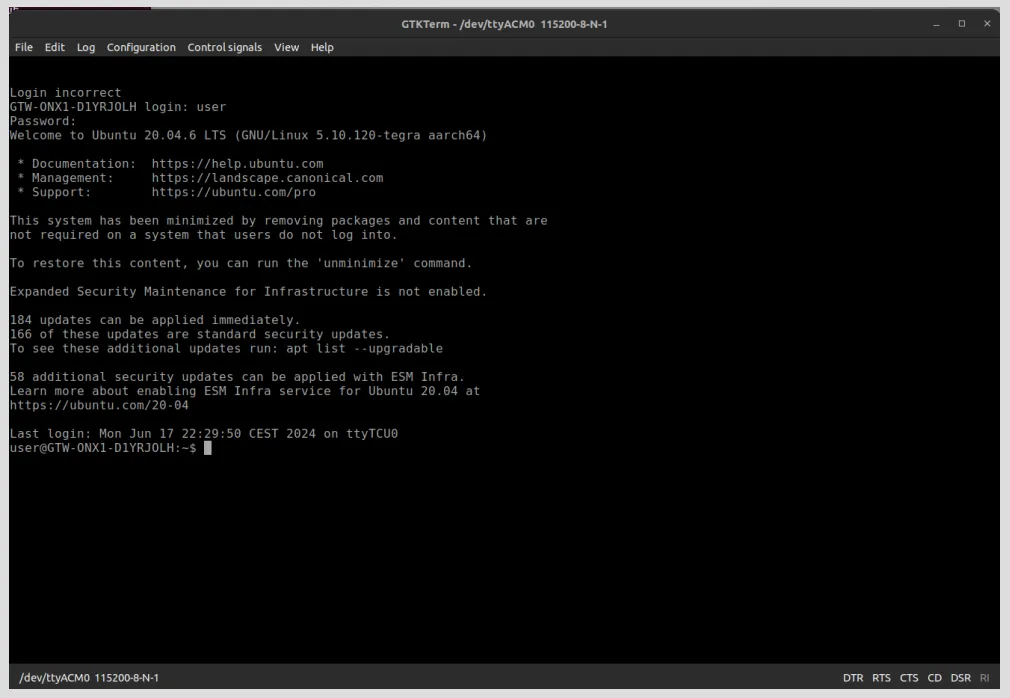
-
You can now execute commands on the device via the Serial Console in the same way as you would via SSH.