

Multi-Camera Synchronization
This page explains how the ZED Link Mono, Duo and Quad GMSL2 capture cards synchronize several cameras, how to wire a trigger signal through their GPIO header to synchronize several devices, and which configurations are not supported. For the ZED Link MIPI Quad, see ZED Link MIPI capture cards: its four channels are synchronized by an onboard FPGA.
Each ZED Link card has one or two deserializers, the chips that receive the camera streams. A deserializer in master mode generates the trigger signal that starts each frame and outputs it on the GPIO header; a deserializer in slave mode follows a trigger signal received on the GPIO header.
Synchronization happens at three levels:
- Cameras on the same deserializer are synchronized natively, with no configuration.
- Deserializers on the same Jetson™ device, for example the two deserializers of a ZED Link Quad, or two ZED Link Mono cards, are synchronized with the
sync_modesetting and a wire on the GPIO header. - Several Jetson™ devices, or a ZED Link card and an external trigger source, are synchronized by sharing one trigger signal through the GPIO header.
Synchronized cameras start their frame acquisition within 15 µs of each other, on the same device or across several devices.
Hardware synchronization aligns the frame acquisition, not the software timestamps. Timestamps are assigned when the driver receives each frame and may show millisecond-level jitter. Frames are considered synchronized when the difference between their timestamps is less than one frame period (1000/FPS ms).
Synchronization capabilities of each card
The pinout, the photos of the connectors and the oscilloscope captures of the trigger signals are on the GPIO triggering page of each card: ZED Link Mono, ZED Link Duo, ZED Link Quad.
Synchronization modes
The synchronization mode is set with the sync_mode parameter of the ZED X daemon, in the file /etc/systemd/system/zed_x_daemon.service:
Change the mode with the following commands, replacing <mode> with 0, 1 or 2:
The mode is kept across reboots.
In slave mode, check that each deserializer accepted the configuration:
The output reports Sync mode configured once for each deserializer: one line for a ZED Link Mono or Duo, two lines for a ZED Link Quad.
The ZED Link Duo trigger pin
The ZED Link Duo has a single deserializer, so its four cameras are always synchronized together. Its GPIO header exposes a single trigger pin, MFP10 on pin #5, which is an output in master mode and an input in slave mode, never both. A ZED Link Duo in slave mode therefore cannot forward the trigger to another device.
External triggering on the ZED Link Duo requires ZED X Driver 1.4.1 or newer.
Single master, multiple slaves
To synchronize the cameras of several Jetson™ devices, one device is the master and generates the trigger signal. All the other devices are slaves and follow it. The trigger output of the master is split to the trigger input of each slave, in a star configuration, and all the devices share a common ground. With a ZED Link Mono master, there is no limit on the number of slaves. With a ZED Link Duo or Quad master, keep the trigger wires short, because long wires to many slaves can degrade the trigger signal.
The pins to use on each card are:
To set up the synchronization:
-
Choose one device as master:
- With one ZED Link Mono or Duo, keep the default
sync_mode=0. - With a ZED Link Quad, set
sync_mode=1and connect pin #13 to pin #16 of J17, as described in Enable full onboard synchronization. The cameras of both connectors then follow the trigger sent to the slaves. - With two ZED Link Mono or Duo cards, set
sync_mode=1and wire the two cards as described on their GPIO triggering page. Take the trigger for the slaves from the wire that links the two cards.
- With one ZED Link Mono or Duo, keep the default
-
On each slave device, set
sync_mode=2and reload the systemd configuration: -
Connect the ground pin of the master to the ground pin of each slave.
-
Split the wire from the trigger output of the master, and connect one branch to the trigger input of each slave. On a ZED Link Quad slave, the branch must reach both pins #13 and #16, one for each deserializer.
-
Restart the ZED X daemon on each slave, and on the master if you changed its mode:
-
On each slave, check that
sudo dmesg | grep SyncreportsSync mode configured. -
Open the cameras with the same frame rate on all the devices. The trigger frequency follows the frame rate of the master.
Once configured, the frames returned by grab() on all the devices are captured on the same trigger edge of the master.
Keep the trigger wires as short as possible, and twist each trigger wire with a ground wire.
Use an external trigger source as the master
To synchronize the cameras with another system, for example a LiDAR, a PLC or a signal generator, use the external source as the master and set all the devices to slave mode, sync_mode=2. Split the trigger signal of the source to the trigger input of every device, as in the diagram above, and connect the ground of the source to the ground of every device.
The external trigger signal must have the following characteristics:
- Waveform: square
- Level: 3.3V logic, never above 3.6V
- Frequency: equal to the camera frame rate set in the ZED SDK (15, 30, 60 or 120Hz)
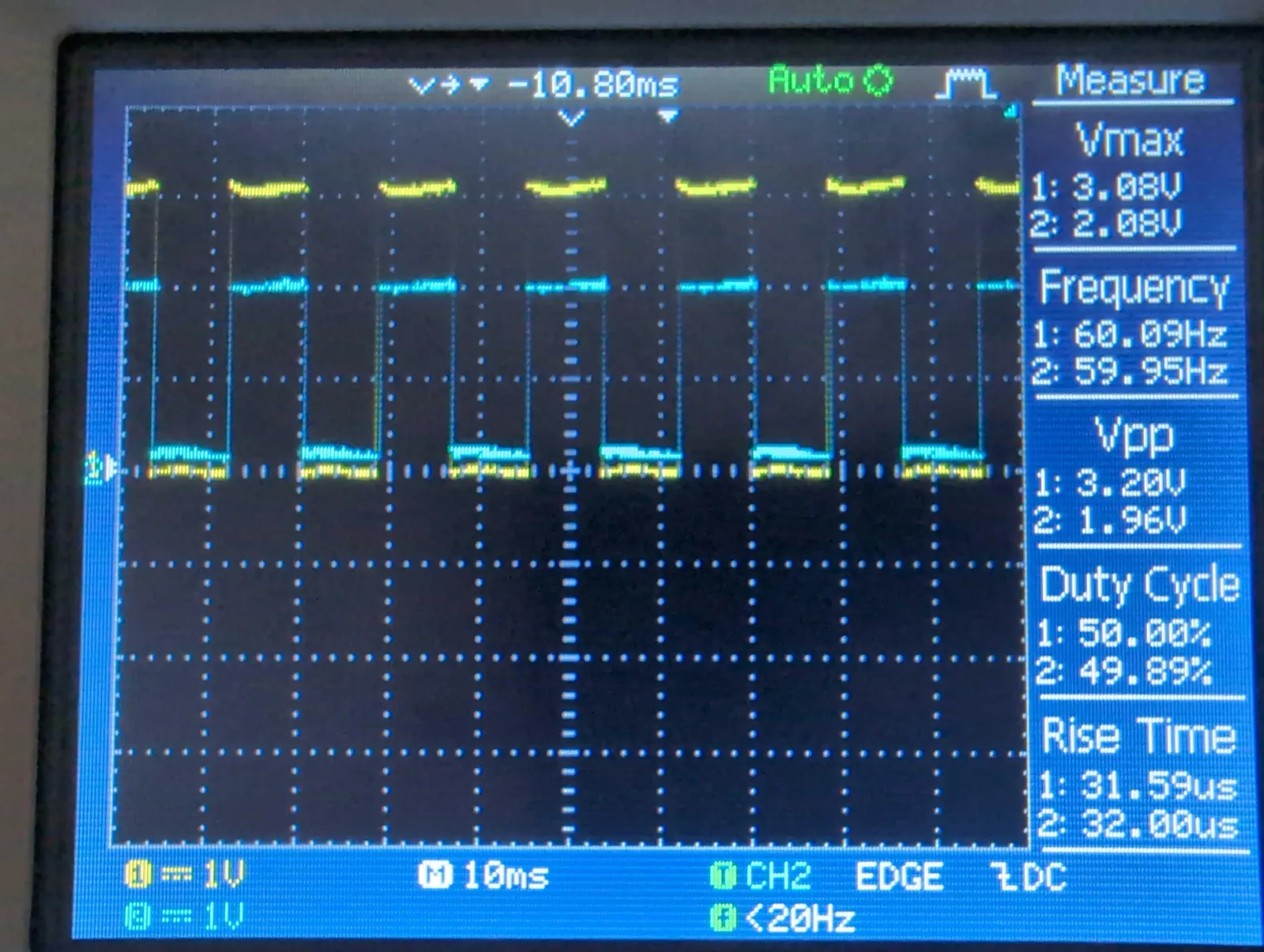
The trigger pins of the ZED Box 2 are 1.8V signals. Always use a level shifter between a ZED Box 2 and a ZED Link card, in either direction. The ZED Link trigger pins are not 5V tolerant: use a level shifter with 5V devices too.
Trigger external sensors from a ZED Link card
In master mode, the trigger output can also drive other sensors, so that they capture at the same time as the cameras. The rising edge of the trigger signal is synchronized with the end of the exposure phase of the camera sensors. The width and period of the signal for each frame rate are given on the GPIO triggering page of each card.
Mixing camera models
You can connect different camera models to the same card, for example a ZED X One GS and a ZED X in the same Group. The Multi-camera configurations section of each setup guide lists the supported combinations.
All the cameras that follow the same trigger signal must run at the same frame rate, equal to the trigger frequency. The slowest camera configuration therefore sets the frame rate of the whole synchronized system: a ZED X One 4K in 4K or QHDPLUS resolution runs at 15fps, so all the cameras synchronized with it must also run at 15fps.
Limits and unsupported configurations
- USB 3 cameras (ZED 2i, ZED 2, ZED Mini) cannot be hardware-synchronized with the GMSL2 cameras or with each other: they only support software synchronization based on timestamps.
- ZED Link Quad connectors: in the default
sync_mode=0, the cameras on J1 are not synchronized with the cameras on J2, and the two trigger outputs are not synchronized with each other. - Daisy chain: a ZED Link card in slave mode does not output the trigger signal, so slave devices cannot be chained one after the other. Always use the star wiring above.
- Trigger frequency: frequencies other than 15, 30, 60 and 120Hz are not supported.
- Trigger voltage: the trigger pins use 3.3V logic. 5V signals are not supported, the trigger input must never exceed 3.6V, and the trigger input of a ZED Link Mono must not be driven while the card is powered off.